
NEBULA / WIKI
Wiki
Blocks, components, recipes and guides.
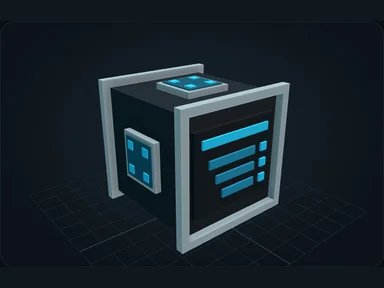
Nebula Controller
Required network block. Receives external FE, stores the network name and manages player access.
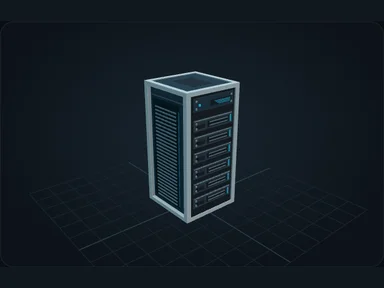
Nebula Server
Connect a Server. Install its motherboard first, then CPU, RAM, drive, network card and PSU.
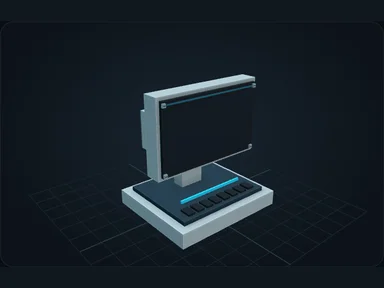
Nebula Terminal
Connect the Terminal's rear socket. Open it to deposit resources and access the whole network.
Nebula Cable
Straight cables and bends stay smooth. A Nebula cable carries the network and its internal energy.
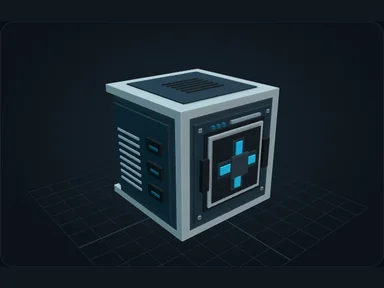
External Interface
Point the marked front face at the external block. The Nebula socket is on the opposite face.
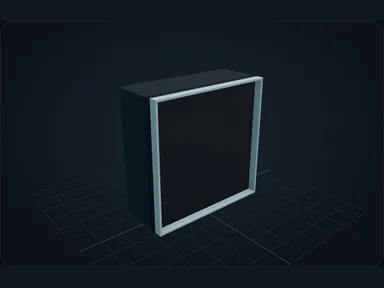
Nebula Monitor Panel
Build one connected display from several Monitor Panels.
Nebula Information Panel
Write formatted text, display network values and add item counters to a panel wall.
Nebula Importer
An importer moves resources into Nebula. With no filters it accepts everything its target supports.
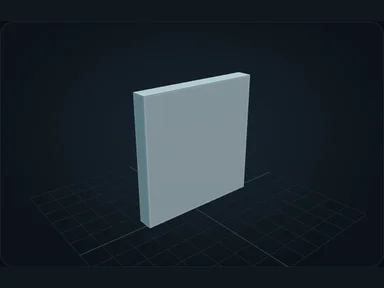
Nebula Exporter
An exporter starts closed: an empty filter exports nothing.
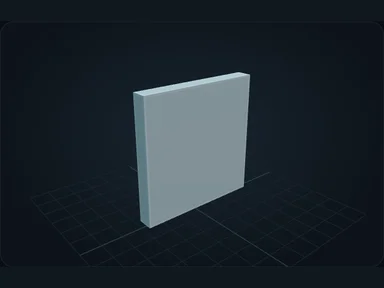
Nebula External Storage
A connected chest becomes external storage. Its resources stay in the chest while Nebula exposes them to the network.
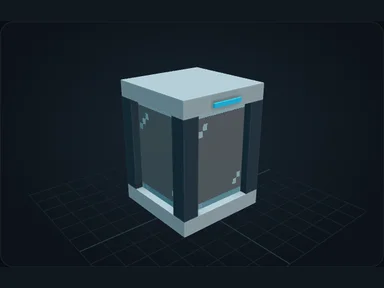
Nebula Fluid Tank
Holds 10 buckets of one fluid. External Storage makes its contents available without using a Nebula drive.
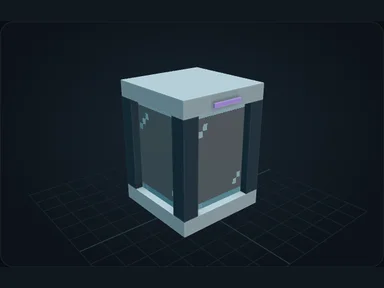
Nebula Gas Tank
Holds 10,000 mB of one Mekanism chemical. Connect External Storage to expose its contents to Nebula.
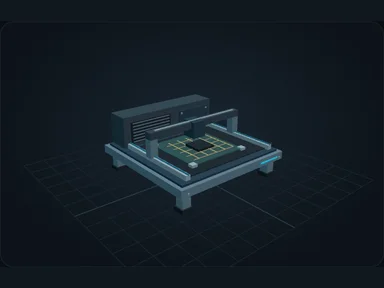
Nebula Fabricator
The Fabricator prepares structural and conductive parts for Nebula electronics.
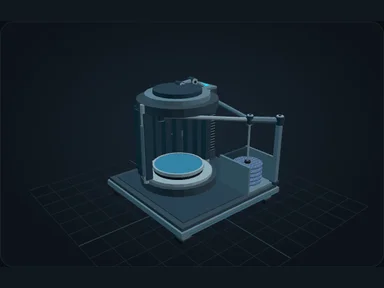
Wafer Processor
The Wafer Processor prepares and processes semiconductor wafers.
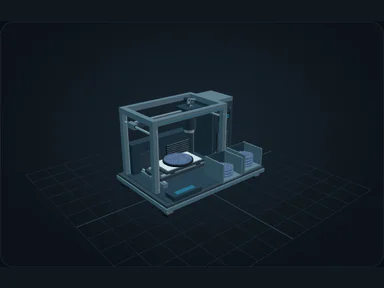
Lithography Unit
The Lithography Unit forms fine circuit structures. Leave room for its full chassis.
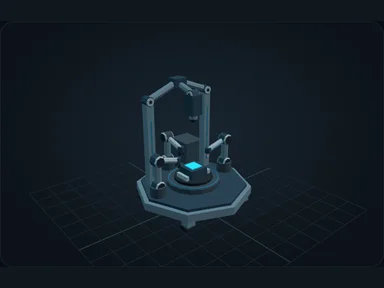
Nebula Assembler
The Assembler combines advanced parts into higher-level electronics.
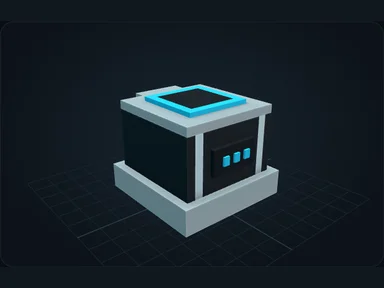
Nebula Creature Collector
Connect the collector, choose its radius and show the area before enabling it. Eligible creatures inside can be captured.
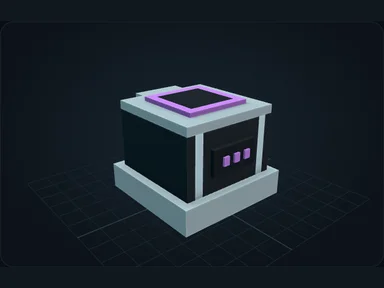
Nebula Creature Emitter
Select a stored creature at the emitter and keep the exit clear. Release withdraws an individual; it does not copy one.
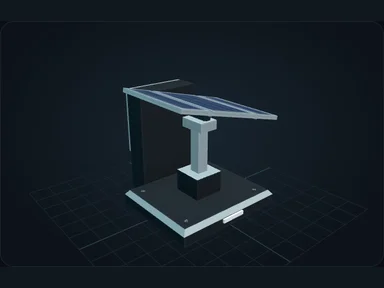
Nebula Solar Array
The array unfolds and tracks the sun. Output is strongest high in the sky and lower near the horizon.
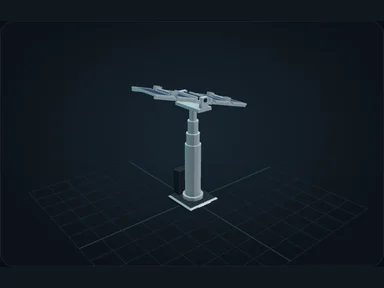
Nebula Expanded Solar Array
The array unfolds and tracks the sun. Output is strongest high in the sky and lower near the horizon.
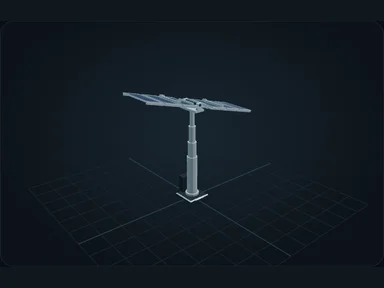
Nebula Advanced Solar Array
The array unfolds and tracks the sun. Output is strongest high in the sky and lower near the horizon.
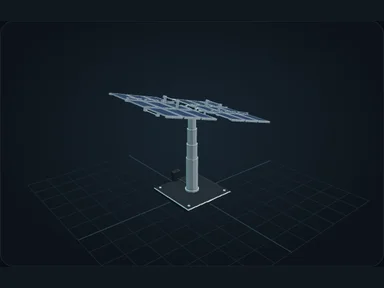
Nebula Industrial Solar Array
High output solar array. Leave space above and around it for deployment.
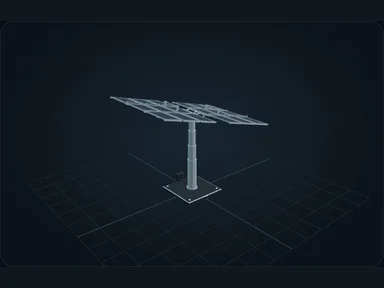
Nebula Lunar Array
Larger arrays need clear space for their moving panels. Lunar, Astral and Orbital arrays also collect energy at night at a lower rate.
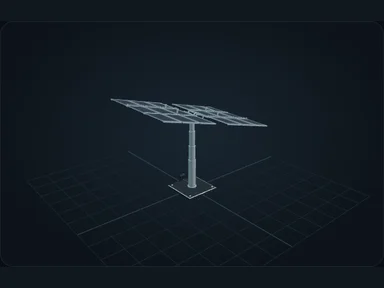
Nebula Astral Array
Larger arrays need clear space for their moving panels. Lunar, Astral and Orbital arrays also collect energy at night at a lower rate.
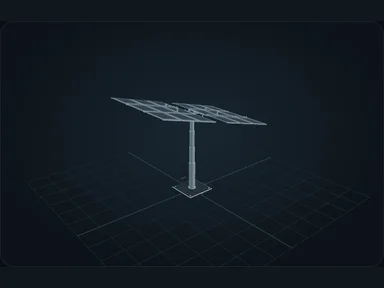
Nebula Orbital Array
Larger arrays need clear space for their moving panels. Lunar, Astral and Orbital arrays also collect energy at night at a lower rate.
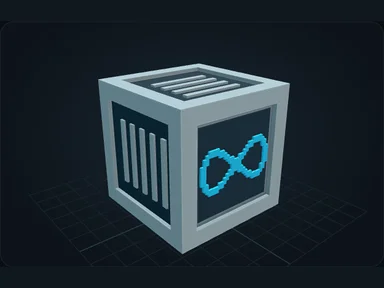
Nebula Creative FE Source
Unlimited FE source for creative worlds. Right-click to switch it on or off.
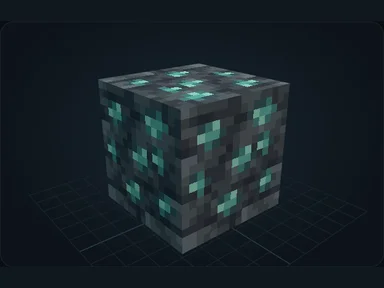
Deepslate Fluorite Ore
Deepslate-hosted fluorite ore, found in the deep Overworld. Fluorite is used to make calibrated optics for Nebula electronics.
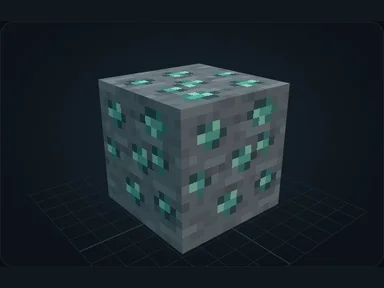
Fluorite Ore
Stone-hosted variant of fluorite ore. It provides the same fluorite used for calibrated optics.
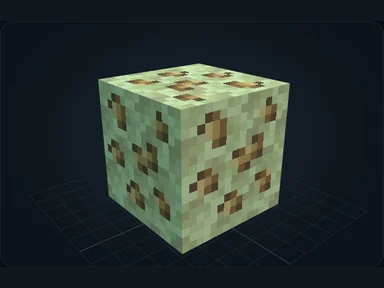
Scheelite Ore
Scheelite ore in the outer End. Refine the raw scheelite into tungsten, then use it for electrical contacts.
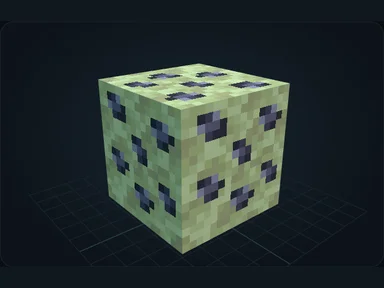
Tantalite Ore
Tantalite ore in the outer End. Refine the raw tantalite into tantalum for dense capacitors.
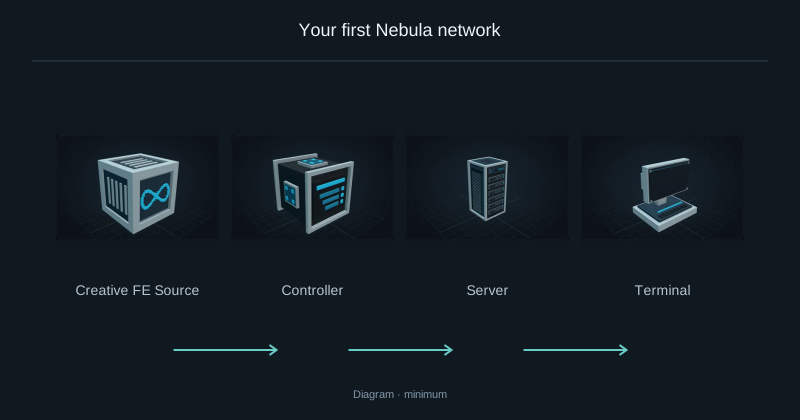
Your first Nebula network
Build a wired network, store oak logs, then request your first planks.
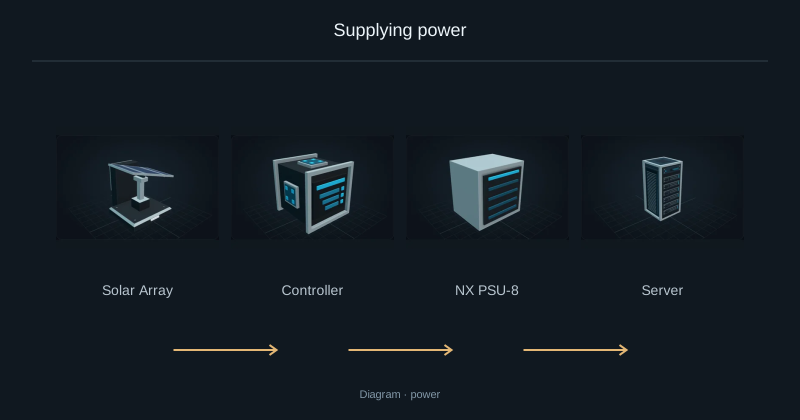
Supplying power
Supply external FE and check Server power limits.
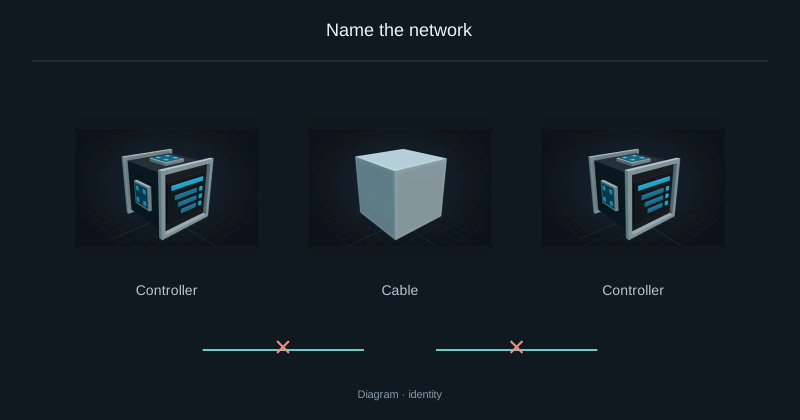
Name the network
Rename a network or join two installations without keeping two Controllers.
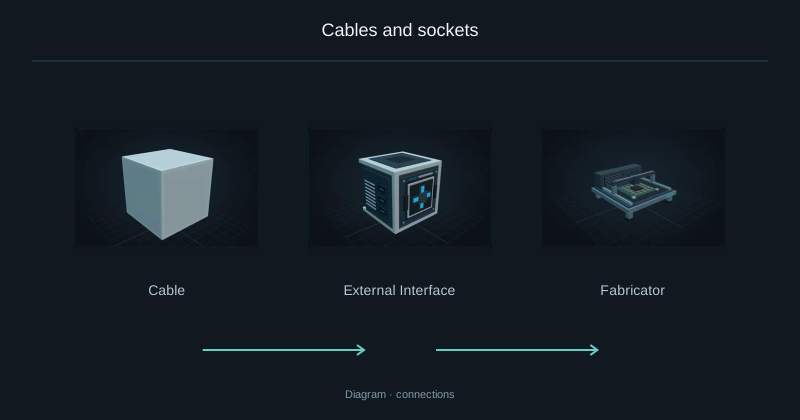
Cables and sockets
Find the network socket and connect a cable route to it.
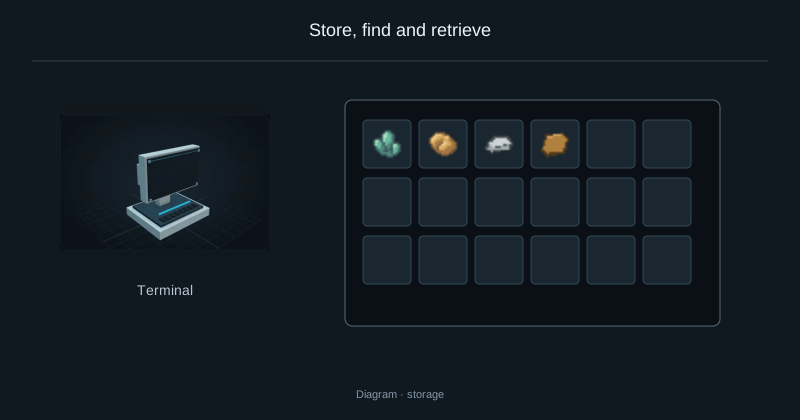
Store, find and retrieve
Deposit, search and withdraw resources through the Terminal.
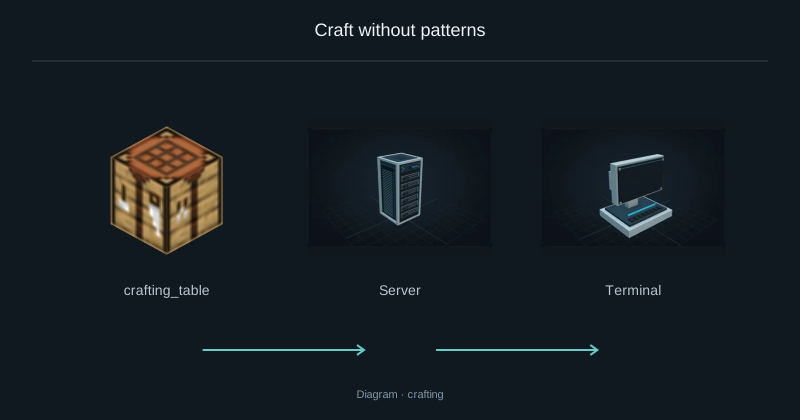
Craft without patterns
Request sticks from stored logs and inspect the intermediate crafting steps.
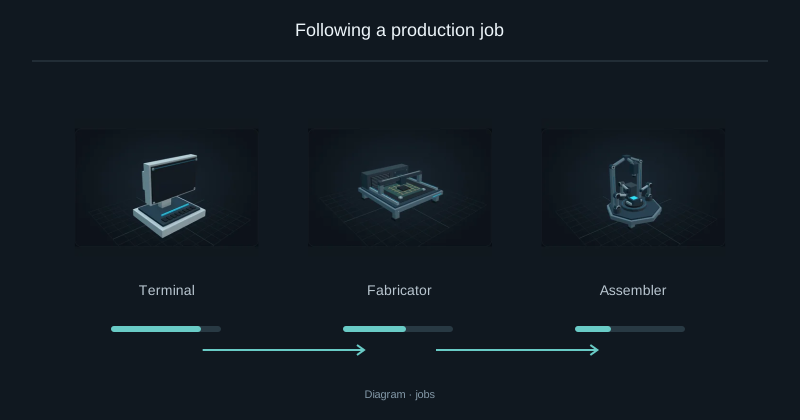
Following a production job
Check progress, understand a waiting job and decide whether to cancel.
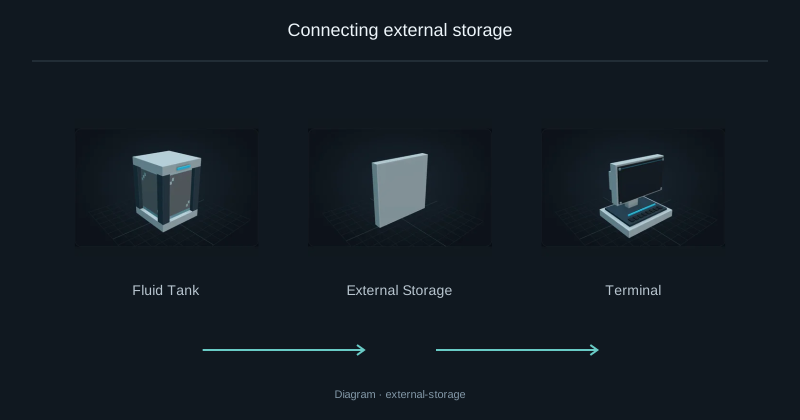
Connecting external storage
Access a chest or tank from Nebula while keeping its contents in place.
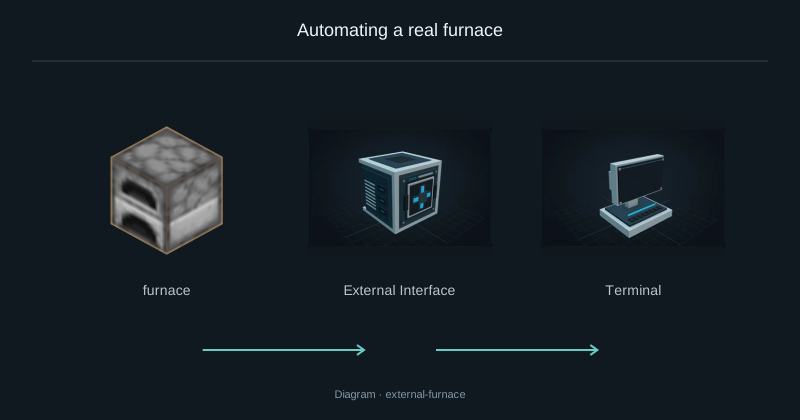
Automating a real furnace
Connect a placed furnace and request iron ingots from the Terminal.
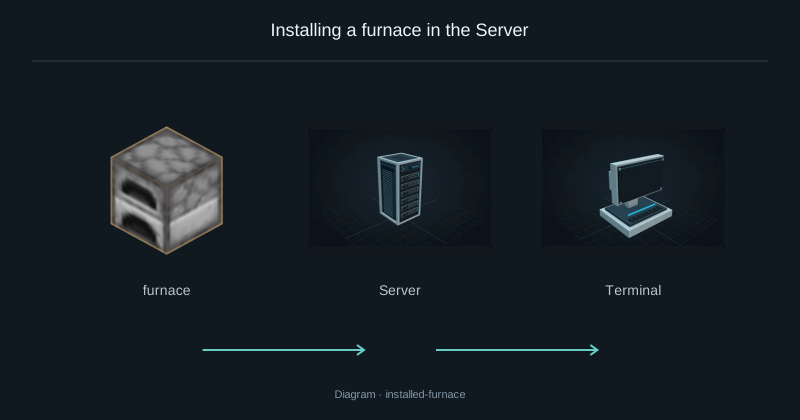
Installing a furnace in the Server
Install a furnace inside a Server and run it using network FE.
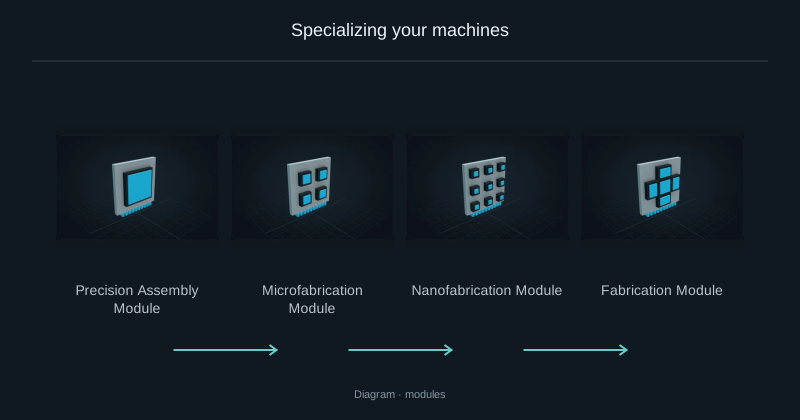
Specializing your machines
Match each production machine to its local recipe module.
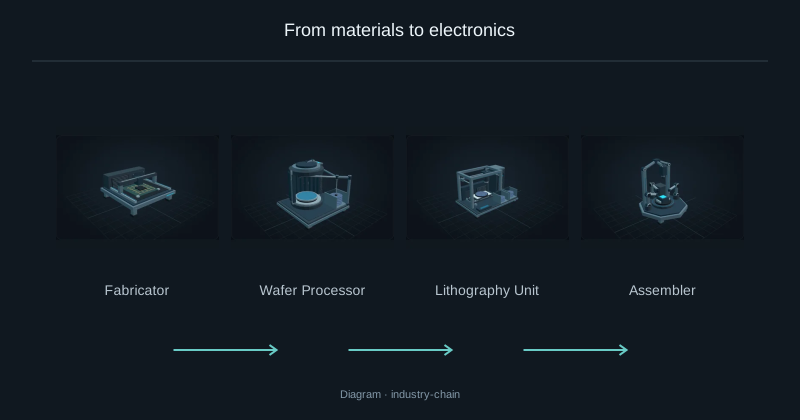
From materials to electronics
Connect the four Nebula machines used to make electronic components.
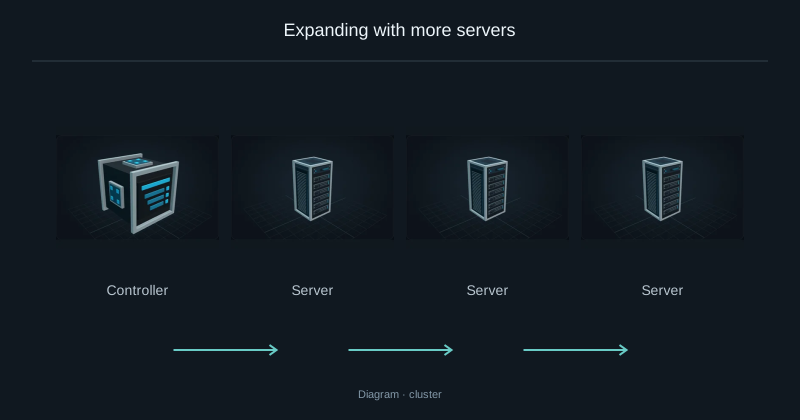
Expanding with more servers
Add capacity to an existing network with another equipped Server.
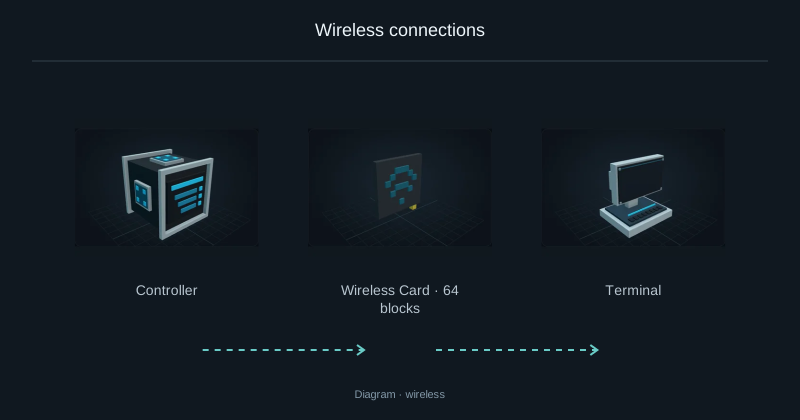
Wireless connections
Replace a Terminal cable with a paired WiFi card without disconnecting the core network.
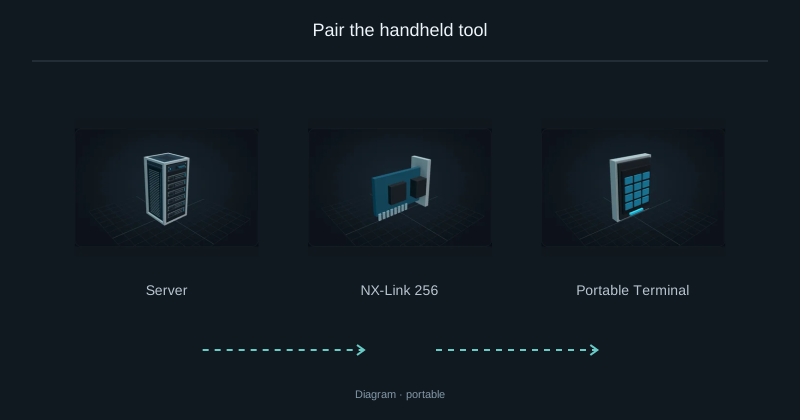
Pair the handheld tool
Bind a portable Terminal and check where it can reach the network.
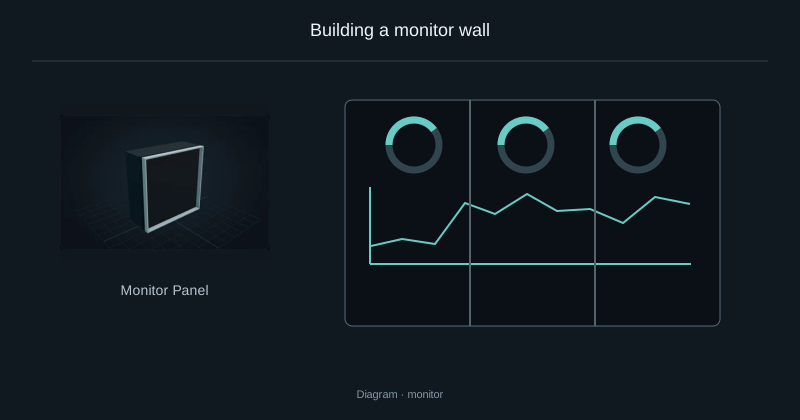
Building a monitor wall
Build one connected display from several Monitor Panels.
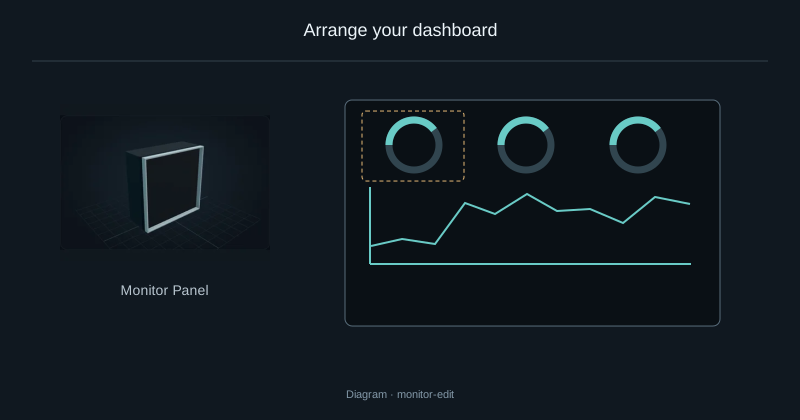
Arrange your dashboard
Place, move and resize the widgets on your monitoring display.
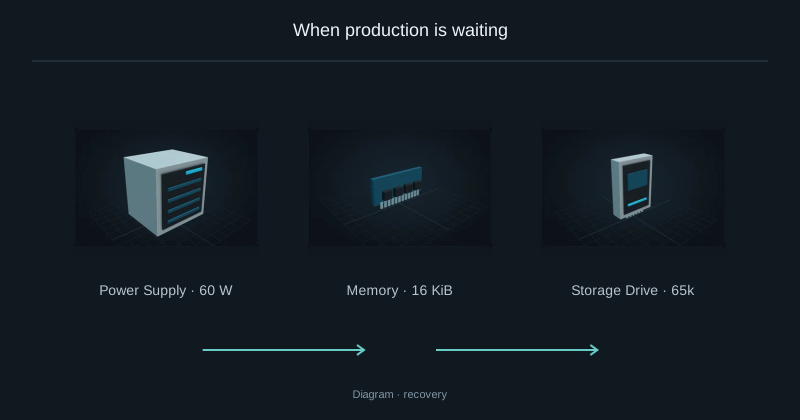
When production is waiting
Diagnose missing power or output space before cancelling a job.
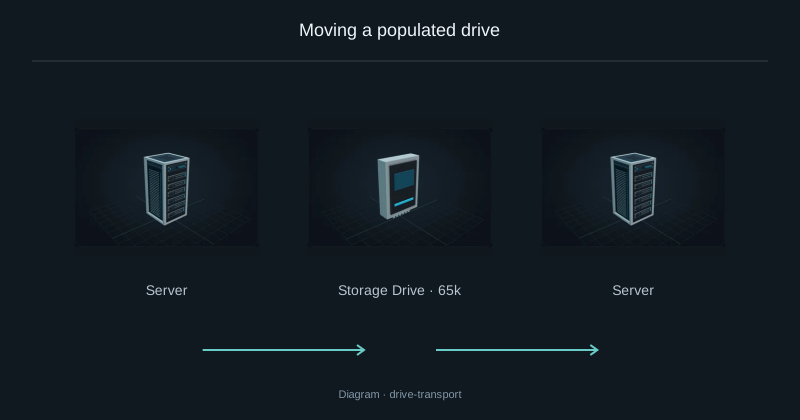
Moving a populated drive
Move a populated drive into another compatible Server.
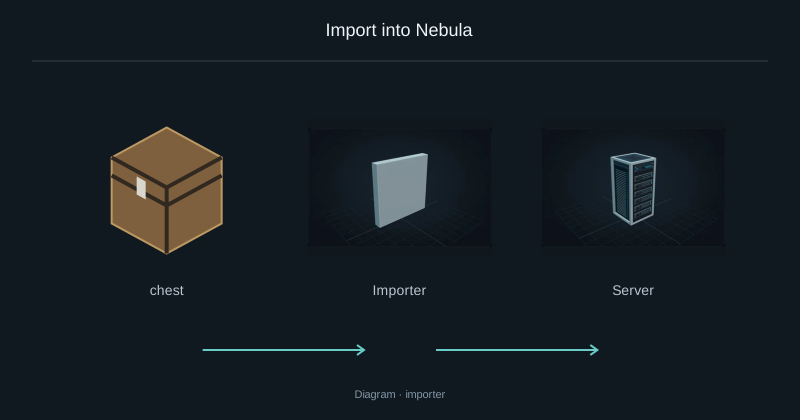
Import into Nebula
Move resources from a container into Nebula storage.
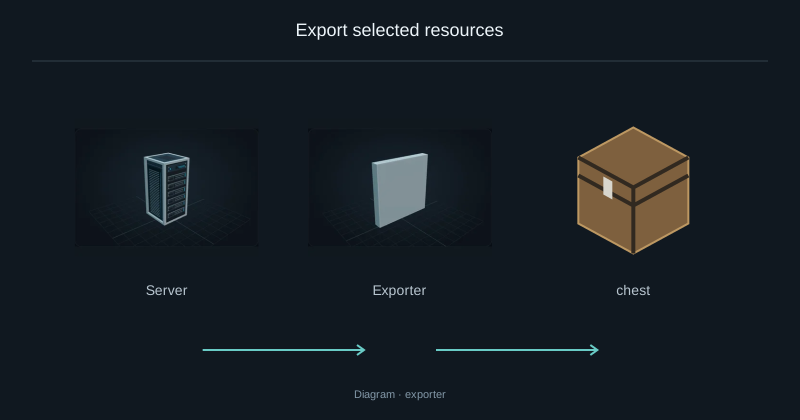
Export selected resources
Send selected resources from Nebula into a destination container.
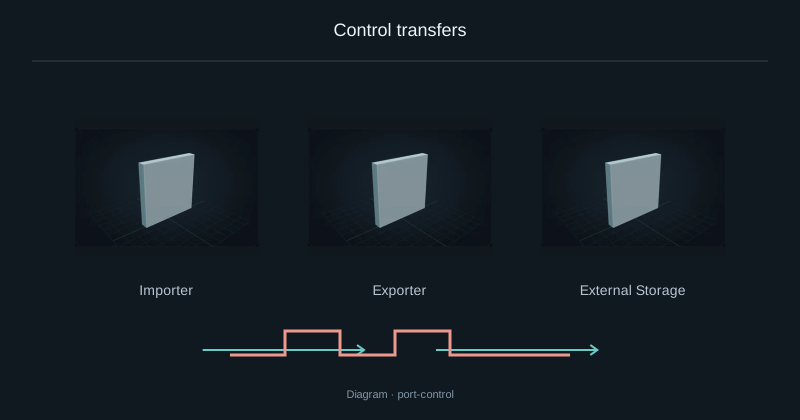
Control transfers
Control an Importer, Exporter or External Storage with redstone.
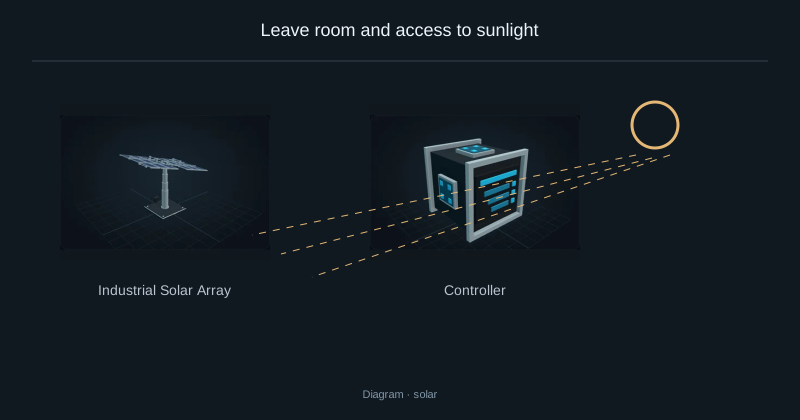
Leave room and access to sunlight
Place a solar array, connect its FE output and check its exposure.
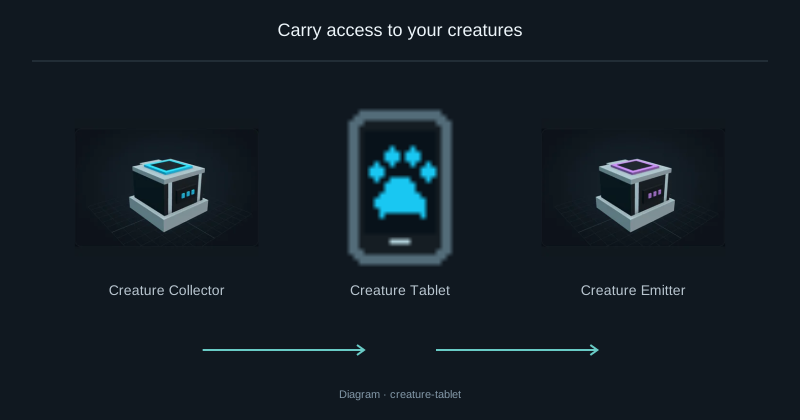
Carry access to your creatures
Capture and release stored creatures using the paired tablet.
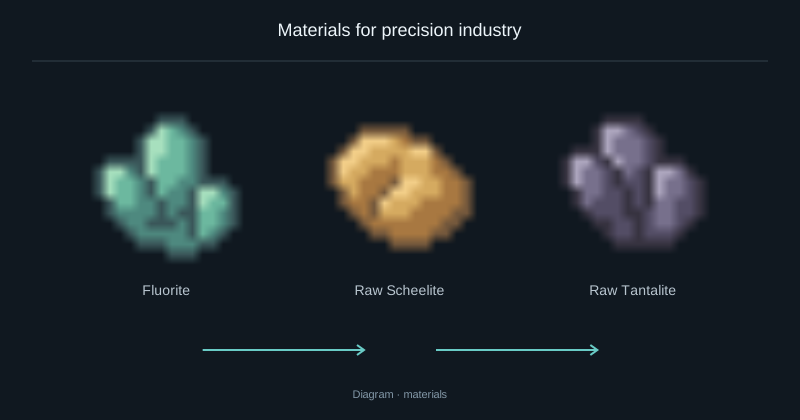
Materials for precision industry
Find fluorite, scheelite and tantalite, then use them in the electronics recipes.
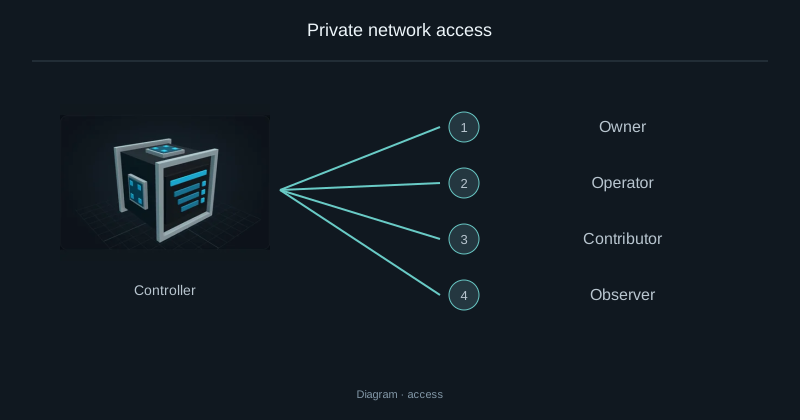
Private network access
Grant access to another player without sharing owner permissions.
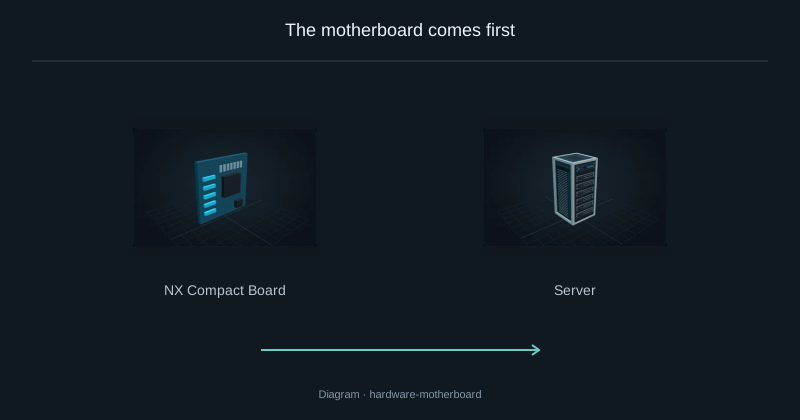
The motherboard comes first
The motherboard determines how many CPUs, RAM sticks, drives and Links fit in a Server and which generations they accept.
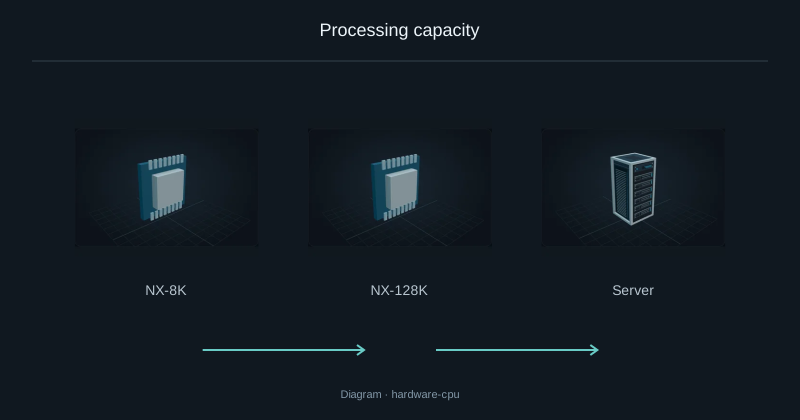
Processing capacity
A CPU supplies coordination work to start recipe operations.
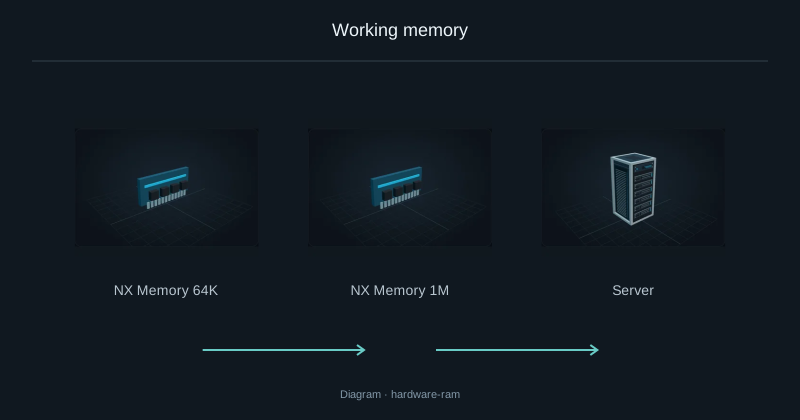
Working memory
RAM holds active crafting plans and reservations; it does not store items or fluids.
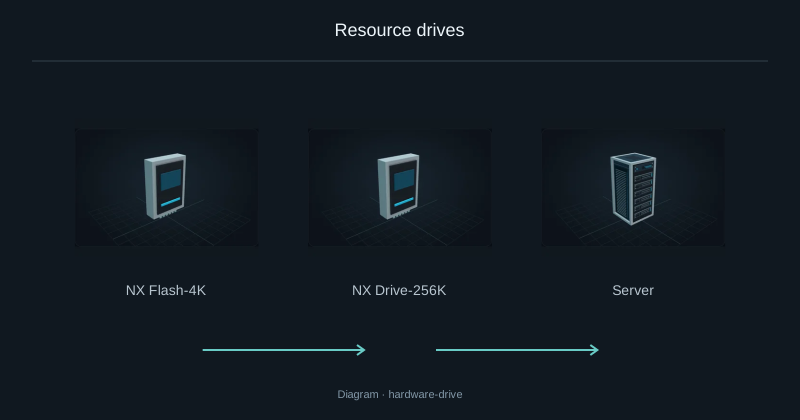
Resource drives
Drives hold the items, fluids and chemicals deposited into Nebula.
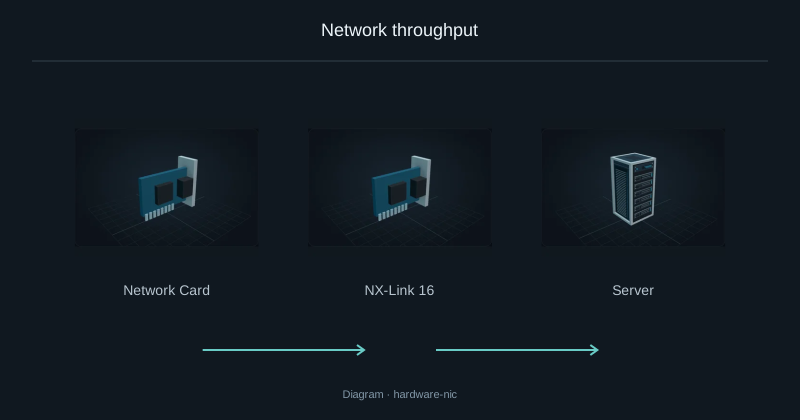
Network throughput
The Link sets the Server’s transfer budget.
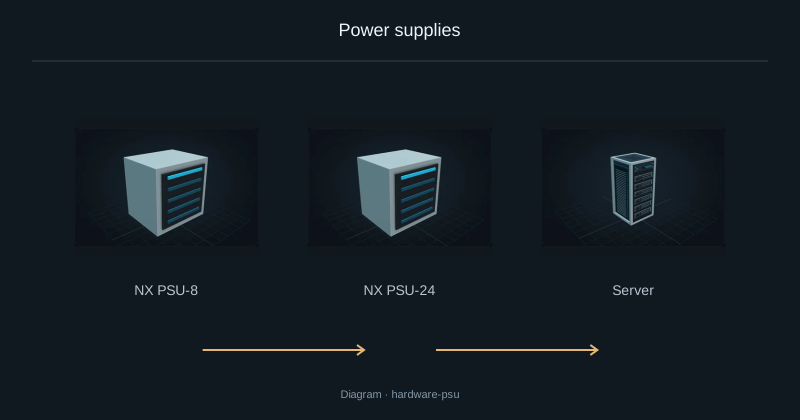
Power supplies
The PSU limits the electrical power available to a Server, including its idle hardware and CPU work.
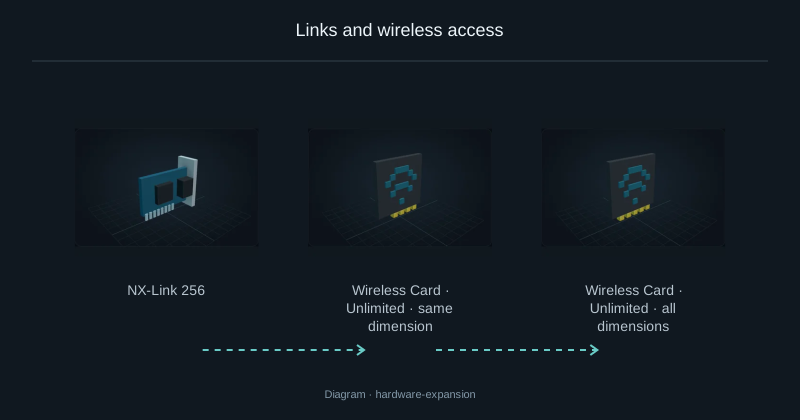
Links and wireless access
A wireless-capable Link in the Server acts as the network access point.
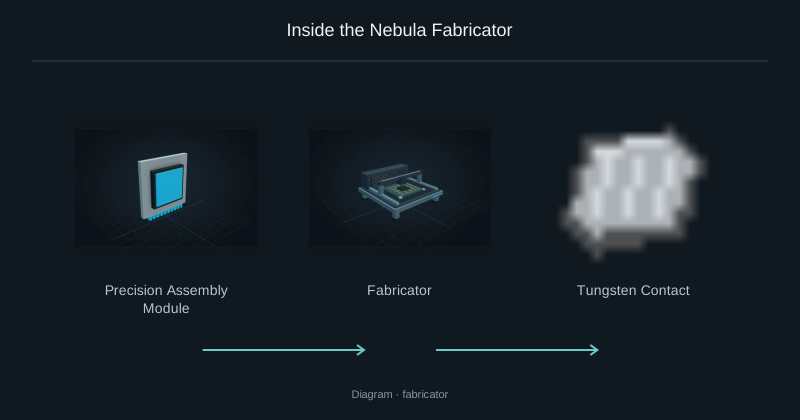
Inside the Nebula Fabricator
The Fabricator prepares structural and conductive parts for Nebula electronics.
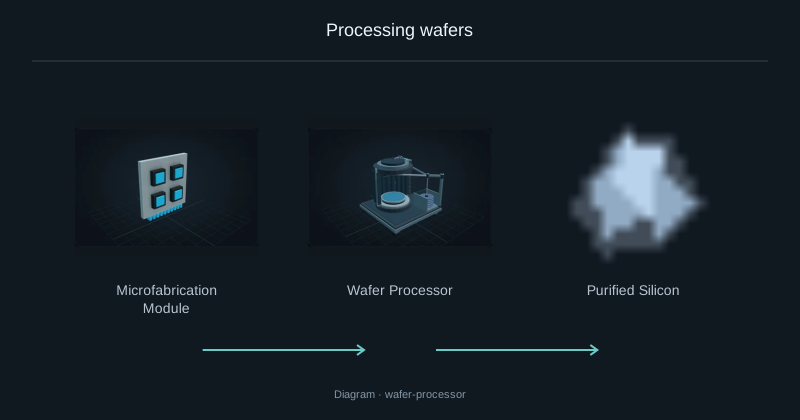
Processing wafers
The Wafer Processor prepares and processes semiconductor wafers.
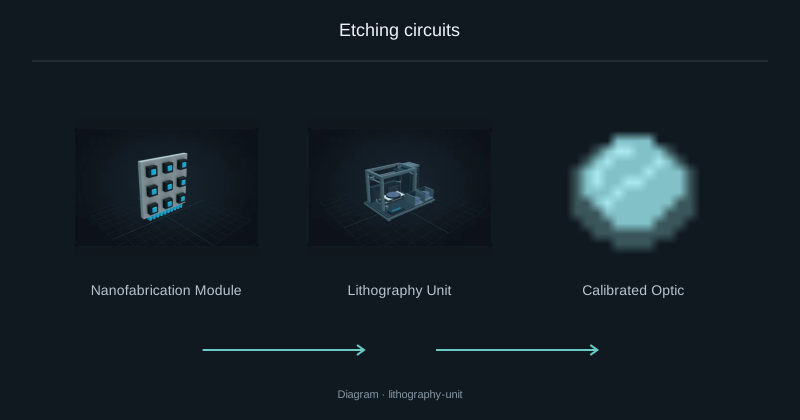
Etching circuits
The Lithography Unit forms fine circuit structures. Leave room for its full chassis.
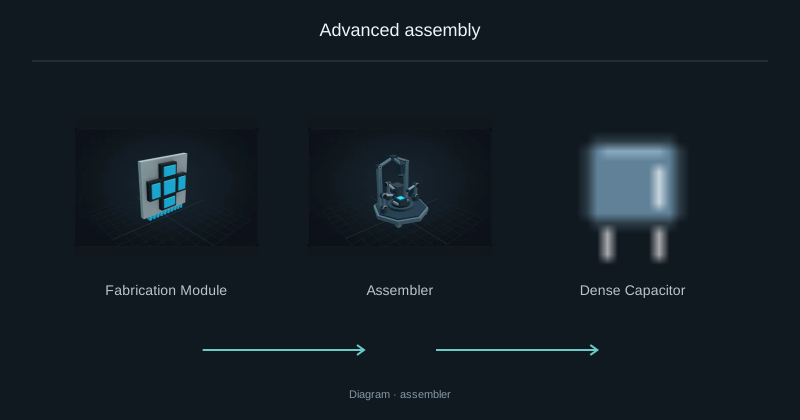
Advanced assembly
The Assembler combines advanced parts into higher-level electronics.

Iron Dust
Smelt this dust in a furnace to obtain an iron ingot. The bundled recipe uses one dust per ingot.
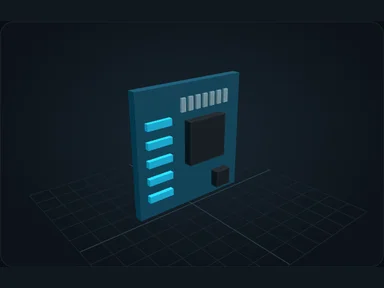
Nebula Motherboard
The motherboard defines component slots and supported generations. Pick it before planning an upgrade.
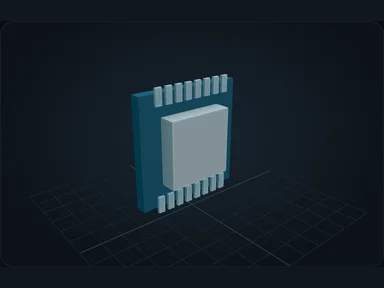
Nebula Processor
CPUs provide processing capacity. More capacity helps coordinate demanding production chains.
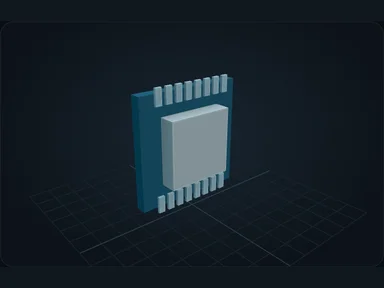
Nebula Parallel Processor
CPUs provide processing capacity. More capacity helps coordinate demanding production chains.
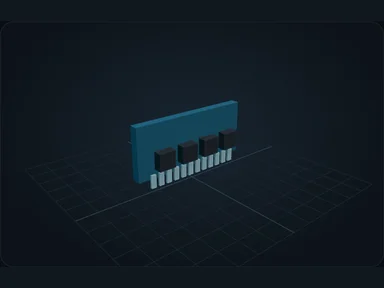
Nebula Memory · 16 KiB
RAM holds working data for active production. It is separate from resource storage.
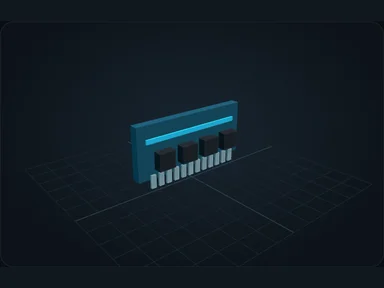
Nebula Memory · 64 KiB
RAM holds working data for active production. It is separate from resource storage.
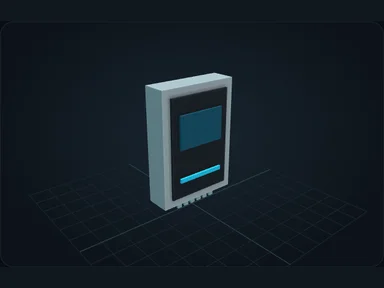
Nebula Storage Drive · 65k
Drives hold resources. Their capacity and transfer limits vary by model.
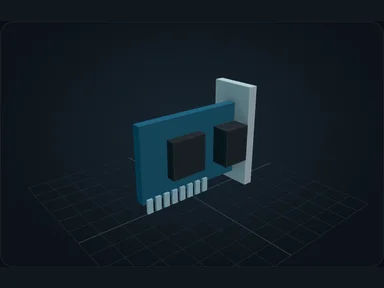
Nebula Network Card
Network cards determine transfer bandwidth. Use monitoring to identify a saturated connection.
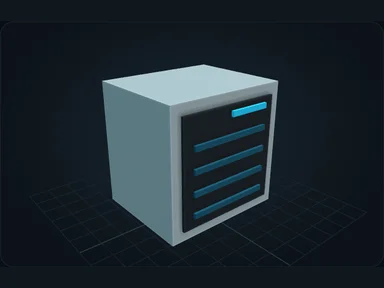
Nebula Power Supply · 60 W
A PSU supports the Server's power demand. Upgrade it when installed hardware exceeds its capacity.
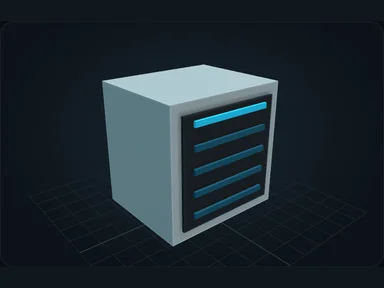
Nebula Power Supply · 200 W
A PSU supports the Server's power demand. Upgrade it when installed hardware exceeds its capacity.
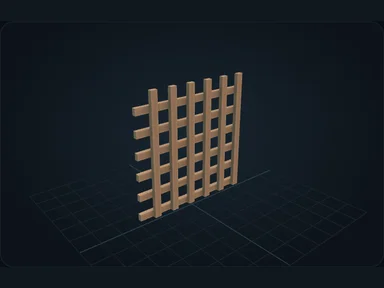
Conductive Mesh
Ingredient used to make: NX-Link 256, NX-Link 64, NX Memory 16M, NX Memory 1M, NX-128K, NX-2M.
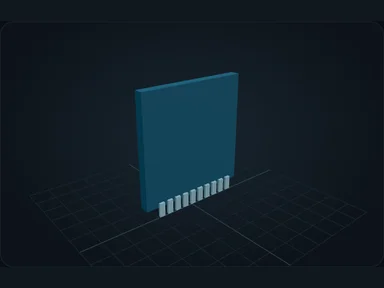
Circuit Substrate
Ingredient used to make: NX Balanced Board, NX Compute Board, NX Enterprise Board, NX Storage Board, NX Flash-32K, Logic Circuit.
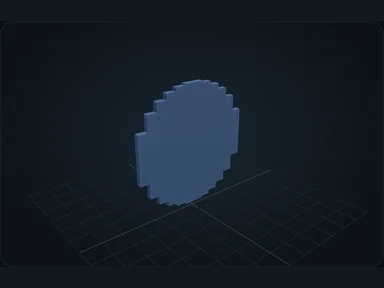
Silicon Wafer
Ingredient used to make: Microfabrication Module, Processed Wafer, Nebula Expanded Solar Array.
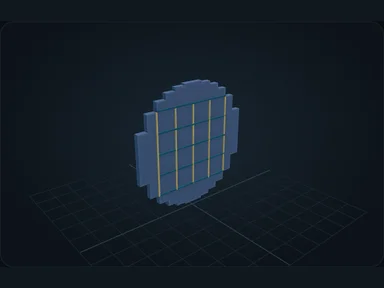
Processed Wafer
Ingredient used to make: NX Compute Board, NX Storage Board, NX Drive-256K, NX-Link 256, NX Memory 16M, NX-2M.
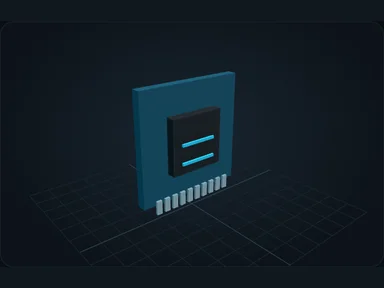
Logic Circuit
Ingredient used to make: NX Balanced Board, NX Compute Board, NX Storage Board, NX Flash-32K, NX-Link 64, NX Memory 1M.
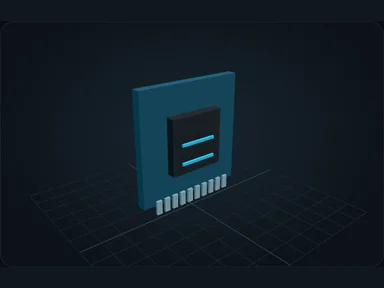
Processor Die
Ingredient used to make: NX Drive-2M, NX-Link 1K, NX Memory 256M, NX-64M, NX PSU-160, Nanofabrication Module.
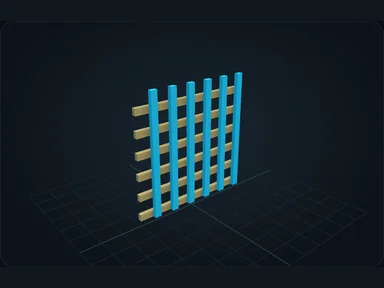
Advanced Interconnect
Ingredient used to make: NX Enterprise Board, NX-Link 1K, NX-Link 8K, NX Memory 256M, NX Memory 4G, NX-64M.
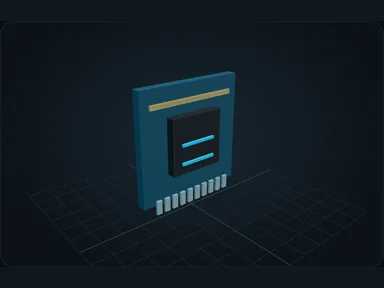
Advanced Processor Die
Ingredient used to make: NX Enterprise Board, NX Bulk-32M, NX-Link 8K, NX Memory 4G, NX-800M, NX PSU-400.
Memory Cell
Ingredient used to make: NX Bulk-32M, NX Drive-256K, NX Drive-2M, NX Memory 16M, NX Memory 256M, NX Memory 4G.
Nebula Die
Ingredient used to make: NX Nebula Board, Nebula Interconnect, Nebula Matrix Drive, Nebula Memory Matrix, NX-N64, Nebula Power Core.
NX Compact Board
The motherboard defines component slots and supported generations. Pick it before planning an upgrade.
NX Balanced Board
The motherboard defines component slots and supported generations. Pick it before planning an upgrade.
NX Compute Board
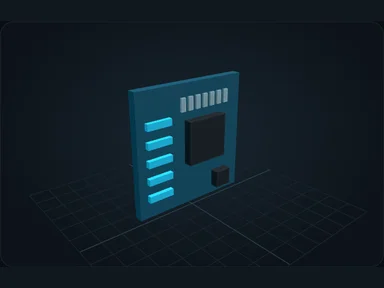
The motherboard defines component slots and supported generations. Pick it before planning an upgrade.
NX Storage Board
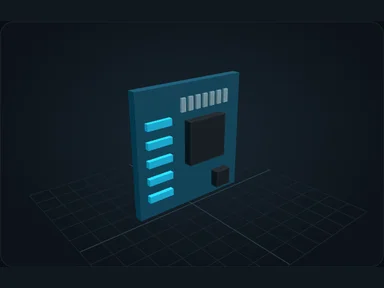
The motherboard defines component slots and supported generations. Pick it before planning an upgrade.
NX Enterprise Board
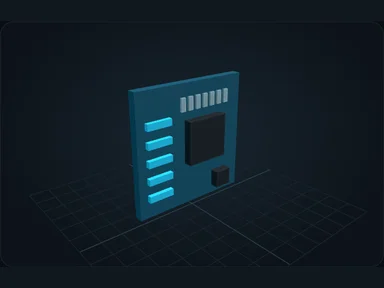
The motherboard defines component slots and supported generations. Pick it before planning an upgrade.
NX Nebula Board
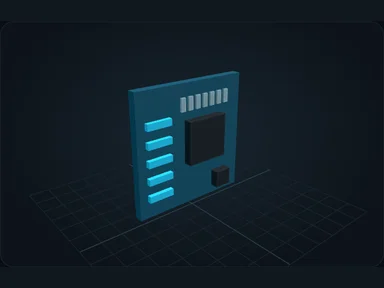
The motherboard defines component slots and supported generations. Pick it before planning an upgrade.
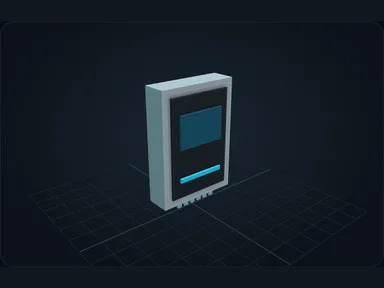
NX Flash-4K
Drives hold resources. Their capacity and transfer limits vary by model.
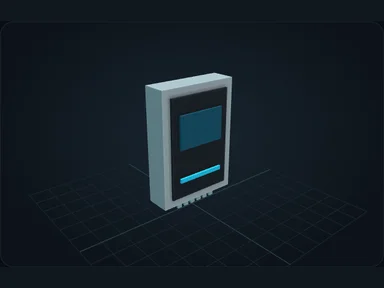
NX Flash-32K
Drives hold resources. Their capacity and transfer limits vary by model.
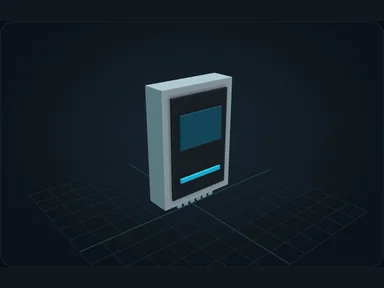
NX Drive-256K
Drives hold resources. Their capacity and transfer limits vary by model.
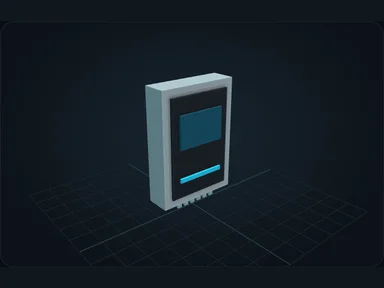
NX Drive-2M
Drives hold resources. Their capacity and transfer limits vary by model.
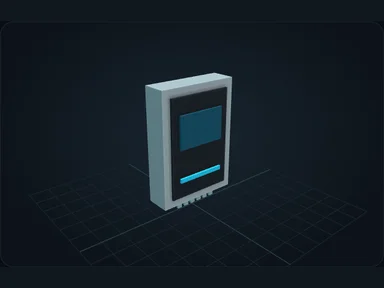
NX Bulk-32M
Drives hold resources. Their capacity and transfer limits vary by model.
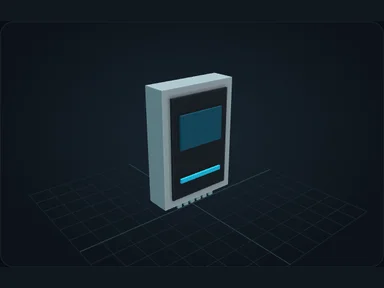
NX Rapid-8M
Drives hold resources. Their capacity and transfer limits vary by model.
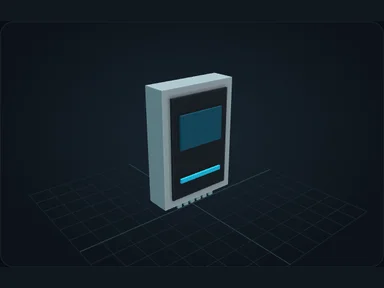
NX Bulk-256M
Drives hold resources. Their capacity and transfer limits vary by model.
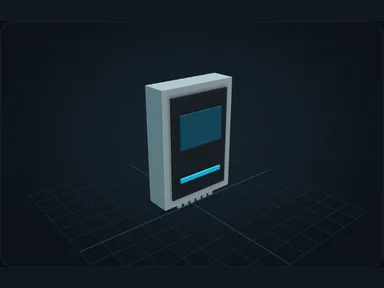
NX Rapid-64M
Drives hold resources. Their capacity and transfer limits vary by model.
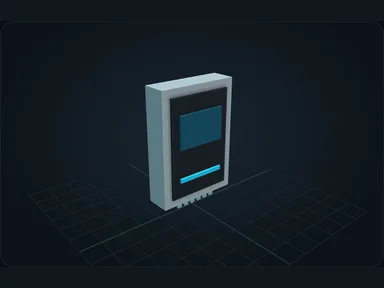
Nebula Matrix Drive
Drives hold resources. Their capacity and transfer limits vary by model.
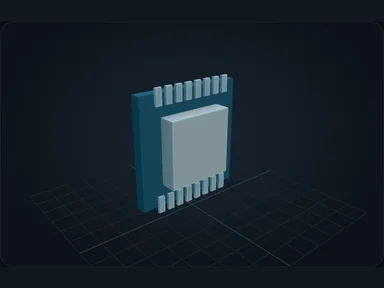
NX-8K
CPUs provide processing capacity. More capacity helps coordinate demanding production chains.
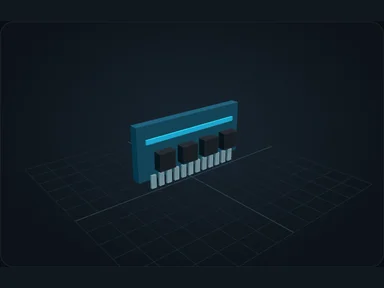
NX Memory 64K
RAM holds working data for active production. It is separate from resource storage.
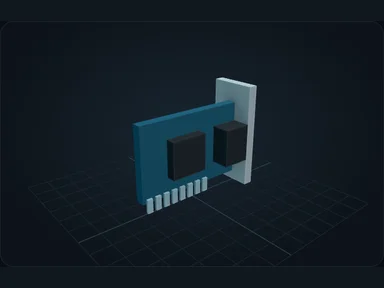
NX-Link 16
Network cards determine transfer bandwidth. Use monitoring to identify a saturated connection.
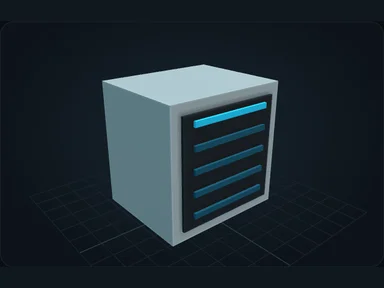
NX PSU-8
A PSU supports the Server's power demand. Upgrade it when installed hardware exceeds its capacity.
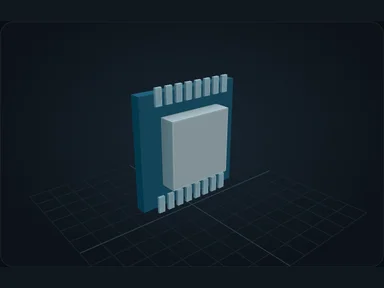
NX-128K
CPUs provide processing capacity. More capacity helps coordinate demanding production chains.
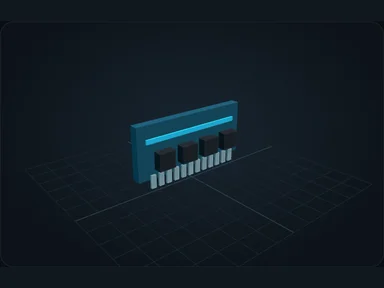
NX Memory 1M
RAM holds working data for active production. It is separate from resource storage.
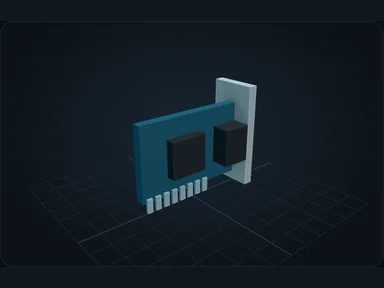
NX-Link 64
Network cards determine transfer bandwidth. Use monitoring to identify a saturated connection.
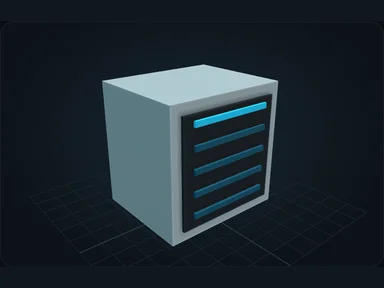
NX PSU-24
A PSU supports the Server's power demand. Upgrade it when installed hardware exceeds its capacity.
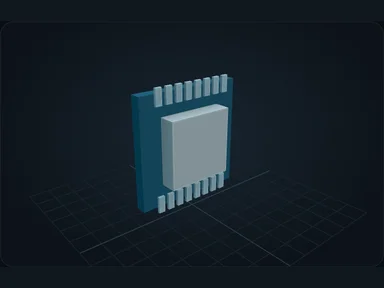
NX-2M
CPUs provide processing capacity. More capacity helps coordinate demanding production chains.
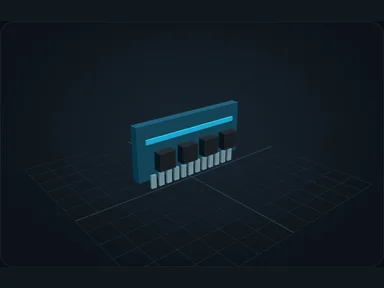
NX Memory 16M
RAM holds working data for active production. It is separate from resource storage.
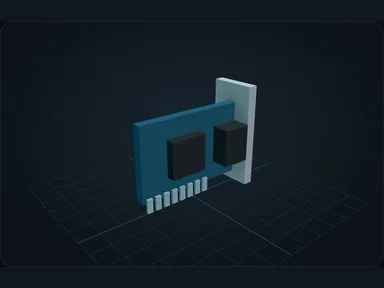
NX-Link 256
Network cards determine transfer bandwidth. Use monitoring to identify a saturated connection.
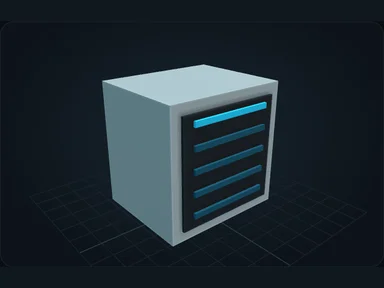
NX PSU-64
A PSU supports the Server's power demand. Upgrade it when installed hardware exceeds its capacity.
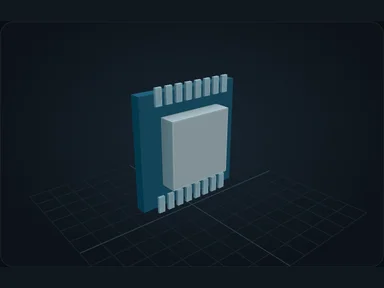
NX-64M
CPUs provide processing capacity. More capacity helps coordinate demanding production chains.
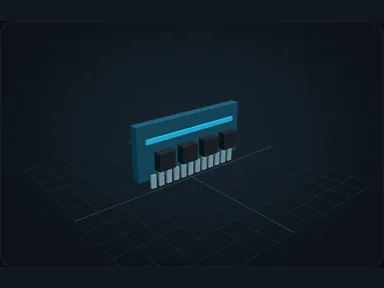
NX Memory 256M
RAM holds working data for active production. It is separate from resource storage.
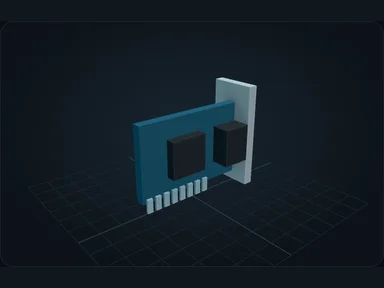
NX-Link 1K
Network cards determine transfer bandwidth. Use monitoring to identify a saturated connection.
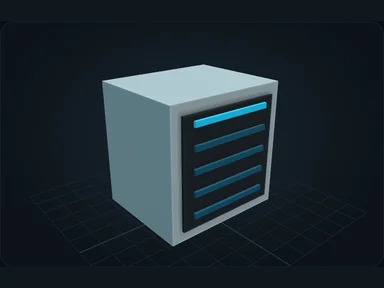
NX PSU-160
A PSU supports the Server's power demand. Upgrade it when installed hardware exceeds its capacity.
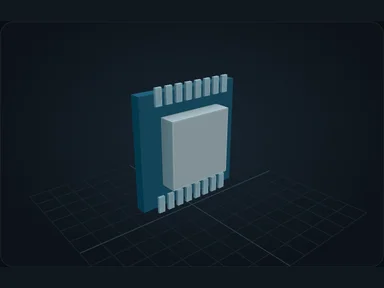
NX-800M
CPUs provide processing capacity. More capacity helps coordinate demanding production chains.
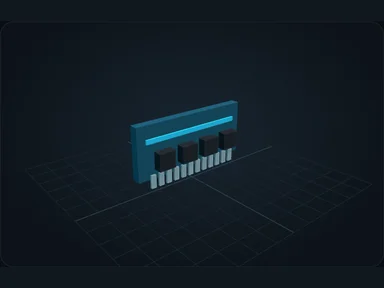
NX Memory 4G
RAM holds working data for active production. It is separate from resource storage.
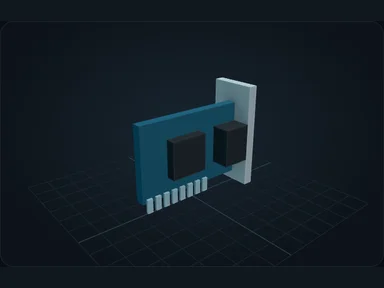
NX-Link 8K
Network cards determine transfer bandwidth. Use monitoring to identify a saturated connection.
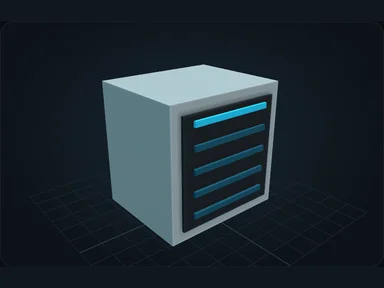
NX PSU-400
A PSU supports the Server's power demand. Upgrade it when installed hardware exceeds its capacity.
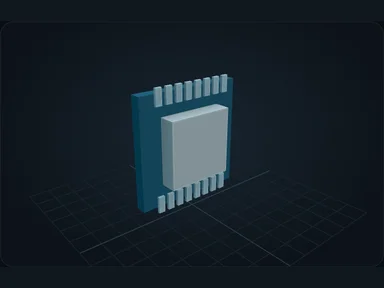
NX-3G
CPUs provide processing capacity. More capacity helps coordinate demanding production chains.
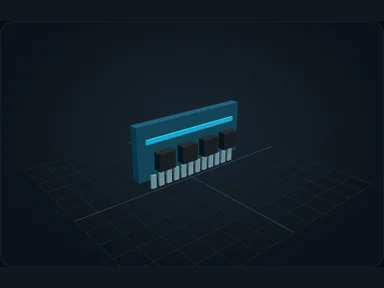
NX Memory 32G
RAM holds working data for active production. It is separate from resource storage.
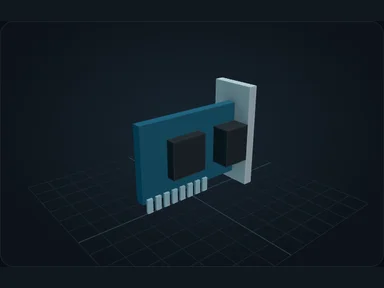
NX-Link 64K
Network cards determine transfer bandwidth. Use monitoring to identify a saturated connection.
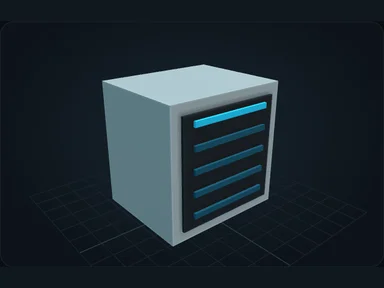
NX PSU-1K
A PSU supports the Server's power demand. Upgrade it when installed hardware exceeds its capacity.
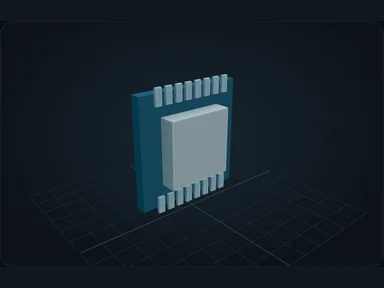
NX-N64
CPUs provide processing capacity. More capacity helps coordinate demanding production chains.
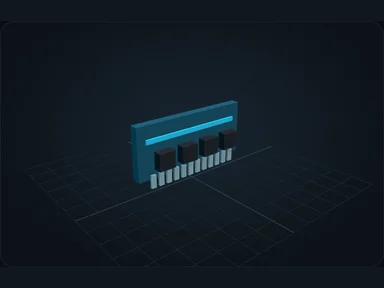
Nebula Memory Matrix
RAM holds working data for active production. It is separate from resource storage.
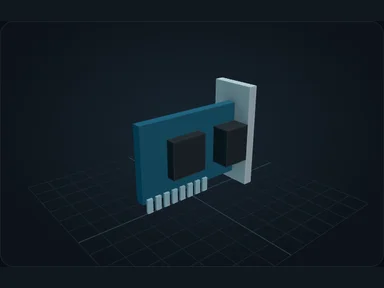
Nebula Interconnect
Network cards determine transfer bandwidth. Use monitoring to identify a saturated connection.
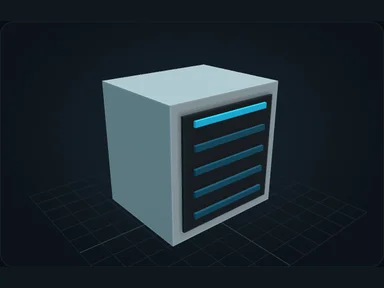
Nebula Power Core
A PSU supports the Server's power demand. Upgrade it when installed hardware exceeds its capacity.
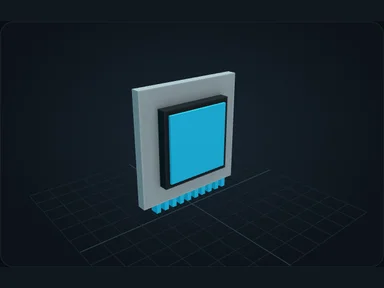
Precision Assembly Module
Install the Precision Assembly Module in the Fabricator's local module slot.
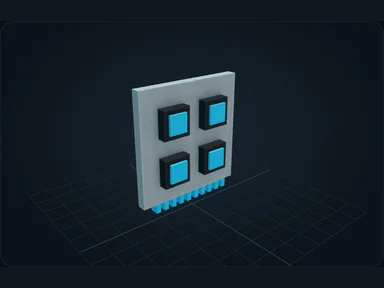
Microfabrication Module
Install the Microfabrication Module in the Wafer Processor to unlock its specialized processes.
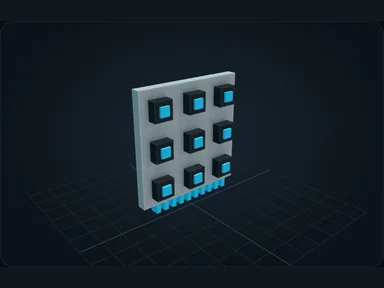
Nanofabrication Module
The Nanofabrication Module enables specialized lithography recipes.
Nebula Fabrication Module
The Nebula Fabrication Module enables the Assembler's specialized recipes.
Nebula Wireless Card · 64 blocks
Paired socket card for a wireless connection. Requires a wireless-capable Link in a connected Server.
Nebula Wireless Card · 128 blocks
Paired socket card for a wireless connection. Requires a wireless-capable Link in a connected Server.
Nebula Wireless Card · 256 blocks
Paired socket card for a wireless connection. Requires a wireless-capable Link in a connected Server.
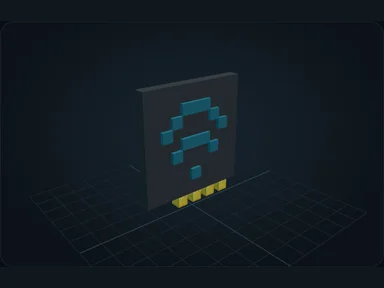
Nebula Wireless Card · Unlimited · same dimension
Paired socket card for a wireless connection. Requires a wireless-capable Link in a connected Server.
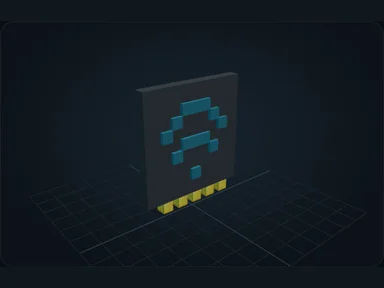
Nebula Wireless Card · Unlimited · all dimensions
Paired socket card for a wireless connection. Requires a wireless-capable Link in a connected Server.
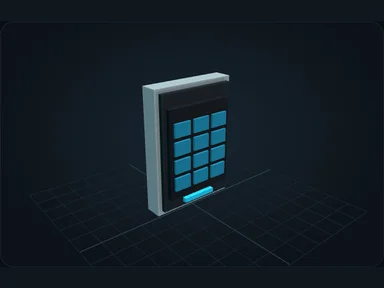
Nebula Portable Terminal
Bind a portable Terminal and check where it can reach the network.

Nebula Debug Stick
Right-click a Nebula machine to preview one animation cycle.

Nebula Creature Tablet
Capture and release stored creatures using the paired tablet.

Fluorite
Ingredient used to make: Calibrated Optic.

Raw Scheelite
Ingredient used to make: Tungsten Concentrate.

Raw Tantalite
Ingredient used to make: Tantalum Ingot.

Tungsten Concentrate
Ingredient used to make: Tungsten Ingot.

Tungsten Ingot
Ingredient used to make: Tungsten Contact.

Tantalum Ingot
Ingredient used to make: Dense Capacitor.

Raw Silicon
Ingredient used to make: Purified Silicon.

Purified Silicon
Ingredient used to make: Silicon Wafer.

Insulating Resin
Ingredient used to make: Circuit Substrate, Dense Capacitor, Lithography Film.

Lithography Film
Ingredient used to make: NX Compute Board, NX Storage Board, NX Drive-256K, NX-Link 256, NX Memory 16M, NX-2M.

Calibrated Optic
Ingredient used to make: Nanofabrication Module, Advanced Processor Die, Lithography Unit.

Tungsten Contact
Ingredient used to make: NX Enterprise Board, NX PSU-160, NX PSU-400, Precision Assembly Module, NX Nebula Board, Nebula Power Core.

Dense Capacitor
Ingredient used to make: NX Enterprise Board, NX Memory 4G, NX PSU-400, Nanofabrication Module, NX Nebula Board, NX Memory 32G.
Public addon API
Extend Nebula through dev.nebulastorage.api; never depend on internal BlockEntities.
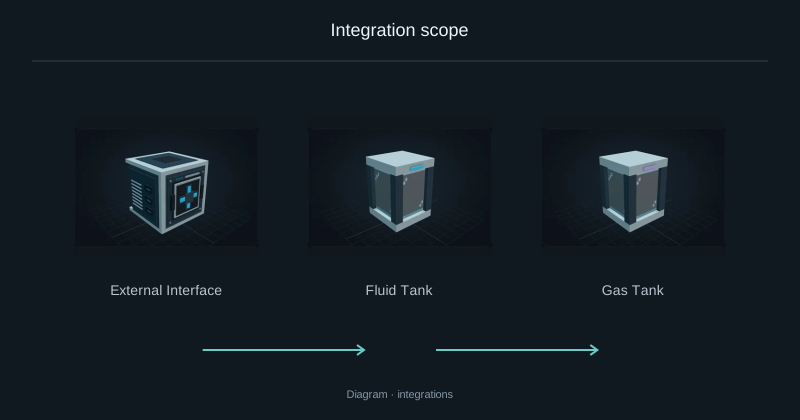
Integration scope
Supported machines and processes, with the exclusions for this release.
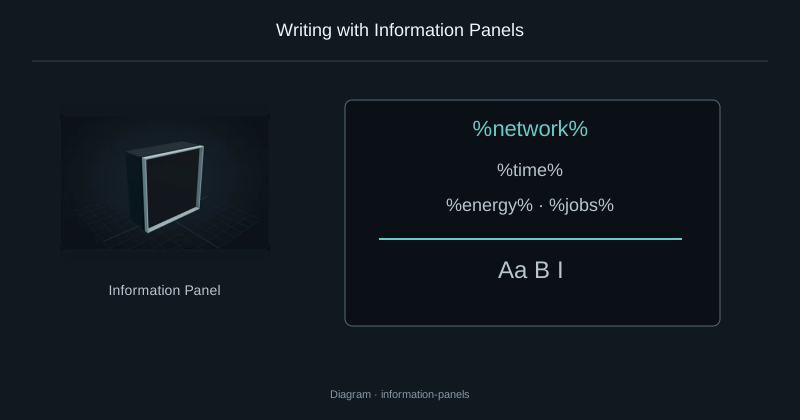
Writing with Information Panels
Write formatted text, display network values and add item counters to a panel wall.
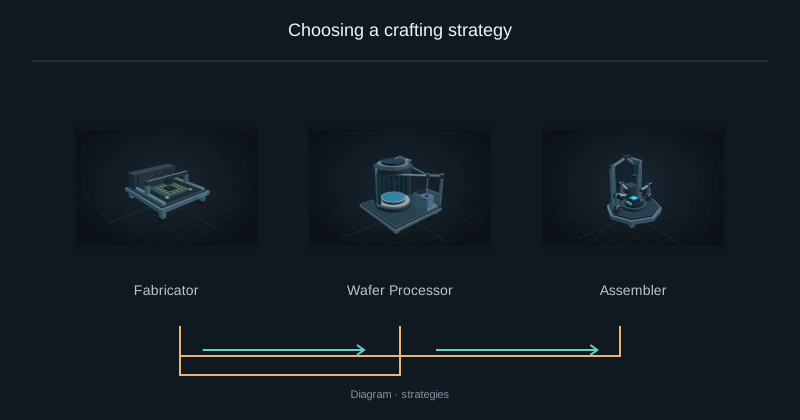
Choosing a crafting strategy
Compare material use and processing work before starting the same crafting request.
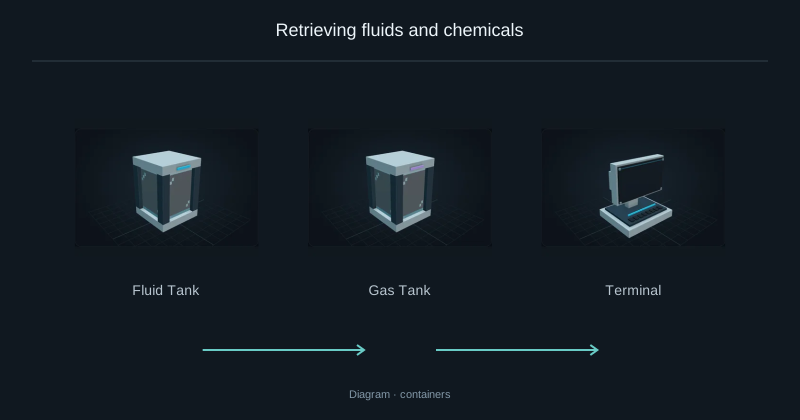
Retrieving fluids and chemicals
Take fluids and chemicals out of storage in buckets or compatible tanks.
HardwareBalance
Apply server-configured balancing percentages when deriving hardware capacities. Keep identifiers and stored resources unchanged; these settings take effect after a world restart.
HardwareProfile
A profile describes the installed hardware available to a Server: compute, memory, storage and transfer budgets. Read and write limits are independent. Compute admits operations; it does not shorten the recipe duration.
NebulaHardware
Use a hardware adapter to recognize an exact item ResourceKey and return its component definition. Return null for other items. A matching display name is never enough to identify a component.
NebulaApiVersion
Declare the API version your extension needs. API 1.0.0 is separate from the mod release and network protocol versions. A compatible major version is required, with at least the requested minor and patch level.
NebulaCapacityResourceType
Convert drive capacity into the native unit of your resource, such as millibuckets. This ratio is storage accounting, not a conversion recipe. Existing explicit capacity values take precedence.
NebulaCategorizedResourceType
Choose the Terminal filter that presents this resource. Classification changes its display, not its ownership, unit or transfer behavior. An enum value alone does not implement an energy or heat integration.
NebulaConfiguration
Read a detached snapshot of active settings. It explains the current network configuration, but does not reserve resources and must not be treated as live mutable server state.
NebulaExtension
ServiceLoader discovers your extension from META-INF/services/dev.nebulastorage.api.NebulaExtension. Register adapters and recipe sources without accessing a world. In serverStarted, bind queries to the authenticated player; do not retain them after serverStopped.
NebulaMachineHints
Provide the finite set of physical machine item identifiers for compatibility tooltips. These hints must not load chunks or instantiate machines. Recognizing a block does not guarantee that every recipe or configuration is supported.
NebulaTaggedResourceType
Expose the resource tags used by searches such as #flowers. Return a bounded, read-only set and refresh it after datapack reloads. Tags classify resources; they must not replace exact keys for extraction.
NebulaTrafficResourceType
Assign a transfer cost to one native unit. The weight is expressed in micro-units; an item uses 1000. This lets Links budget different resource types without equating one item with one millibucket.
CanonicalComponents
Encode component data deterministically so equal values produce equal resource identities. Never drop equipment, custom data or other differences merely to increase stacking. Respect the encoded transfer-size limit.
FluidResourceCodec
Convert a FluidStack to an exact key and millibucket quantity using the current registries. Preserve components. Decoding must create a fresh valid stack and reject unknown or oversized data.
ItemResourceCodec
Convert ItemStack components into an exact ResourceKey independently of the stack count. Use the registry-aware codec rather than the item name. Reconstructed stacks must respect the item’s legal count and component limits.
LoadedBlockAccess
Look up a machine only if its chunk is already loaded. Return absence otherwise. Discovery must not force-load a remote factory or create tickets simply because a player opens Crafting.
NebulaCreatureCaptureRule
Veto capture when an entity belongs to another owner, is temporary, or cannot be restored safely. Returning null only means this rule has no objection; it cannot override the core exclusions for players and unsafe entities.
NebulaMachineConfiguration
Expose a detached equipment view and a small set of safe settings. Changing a setting must not move resources, replace upgrades, alter energy or bypass security. Refuse changes that conflict with an occupied operation.
NebulaPhysicalItemMachine
Use this contract for a real item-processing block. Its inventory, progress and receipt must persist with the same chunk owner. Simulations are read-only; real transfers report what actually moved. Parallel lanes need stable identities and must not redistribute inputs automatically.
NebulaPhysicalResourceMachine
Use this boundary when a physical machine consumes or produces items, fluids and chemicals together. Snapshot every processing tank and slot, excluding fuel and energy. Preserve exact quantities and secondary outputs. Never refund an input the machine has already consumed.
NebulaPhysicalSupplyOptions
Describe ordered alternatives for native consumables, such as furnace fuel. The list is bounded to 32 choices. Supply comes from free network stock; it is not a reserved recipe input and must not be refunded when a job is cancelled.
NebulaPlatformExtension
Register Minecraft-facing adapters separately from domain contracts. Physical adapters must identify a finite, loaded chunk owner. A remote proxy or a creative provider is not automatically a recoverable storage owner.
NebulaResourceContainer
Adapt one detached container item whose complete contents live in its components. Filling must consume real network resources. emptyContainer identifies an item to obtain or craft; it never grants a free bucket or tank.
NebulaResourceStorage
Expose a finite storage block that persists resources and Nebula recovery metadata together. Replacing the block must change its identity. Read and simulation operations cannot mutate state. An arbitrary capability that only simulates insertion is not a transaction guarantee.
NebulaVisualResourceType
Provide a display name, atlas sprite, tint and unit for a resource. Keep these values safe for common-side loading: do not retain a client renderer or a world in this contract. Rendering does not alter resource identity.
ProductionModels
Describe a recipe by capability, exact inputs, guaranteed outputs, duration and FE per active tick. Include every secondary output. A template resolver must be pure and bounded; an average random yield is not a guaranteed result.
ProductionRequirements
Set minimum compute, working memory and motherboard generation for a capability. Memory here is the network’s logical planning budget, not JVM heap. Meeting these thresholds does not replace the energy and materials required by the recipe.
ProductionStrategy
Choose the planner’s preference among feasible routes, such as resource savings or speed. A preference never bypasses missing machines, materials, output capacity or safety constraints. The search is bounded, not a promise of a globally optimal result.
ResourceKey
ResourceKey contains a resource type, registry identifier and canonical components. Quantity belongs in ResourceStack, not the key. Two items with different component data must remain distinct even when they share a registry identifier.
ResourceQuantities
Aggregate amounts with checked arithmetic before reserving or moving resources. Amounts must be positive and fit in Long. Overflow is an error to handle, never a wrapped negative value or a silently truncated transfer.