Keep resources in the network
Drives hold the items, fluids and chemicals deposited into Nebula. Adding capacity lets you store more; read/write limits also affect how quickly resources can move. Bulk drives favour capacity, while Rapid drives favour transfer throughput.
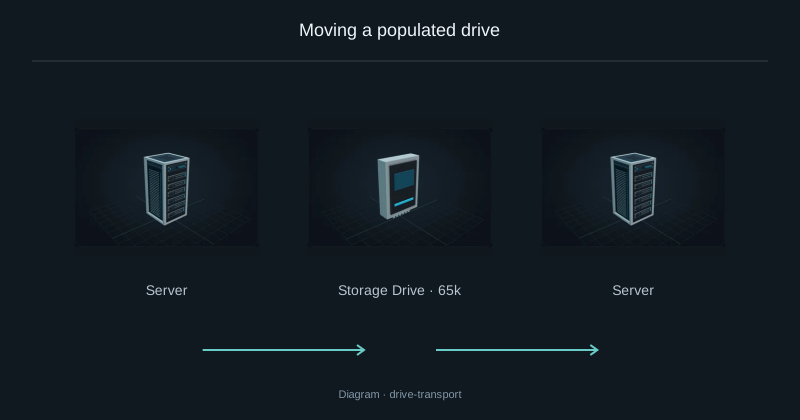
If Storage is full, add capacity or use External Storage to expose an existing chest without moving its contents onto drives. A larger drive does not increase the RAM available to crafting plans. Before removing a filled drive, use Transport or Evacuate in the Server.
Insert the component
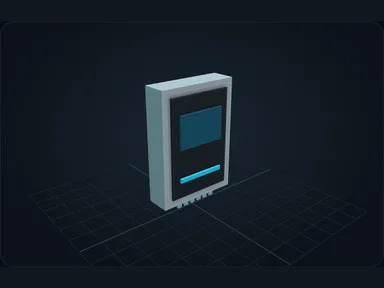
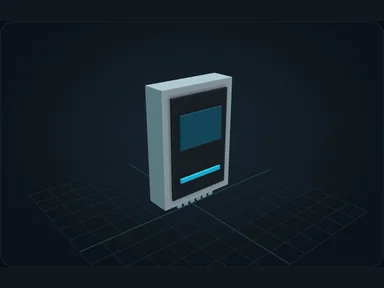
Install the motherboard before any other component. Hover a slot to highlight compatible items.
Shift-click to install into a compatible slot, or place the component directly with the cursor.
Change or remove it safely
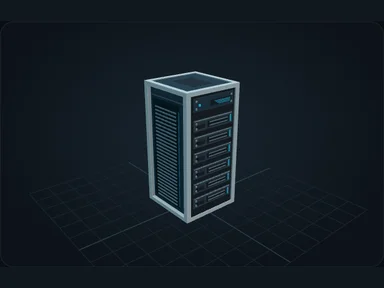
Some components cannot be removed while their resources are in use. Read the refusal before changing hardware.
Source
src/main/resources/assets/nexus_storage/lang/en_us.json; editorial/en.json
43b4d12d69e6033c24fa8c39dac383ef2429b446