Attach the port to the container
Put the flat face against the container. Connect the Nebula socket, or bring a cable alongside the port: lateral connections also work. Adjacent ports can join each other without an extra cable between them.
Keep the contents outside Nebula
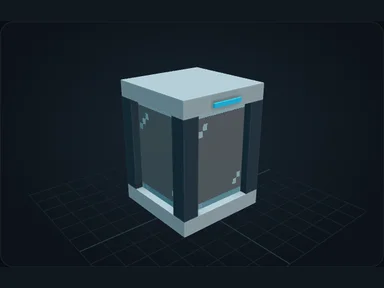
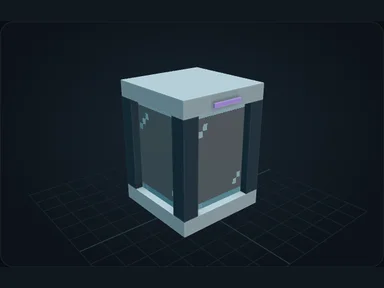
A connected chest becomes external storage. Its resources stay in the chest while Nebula exposes them to the network.
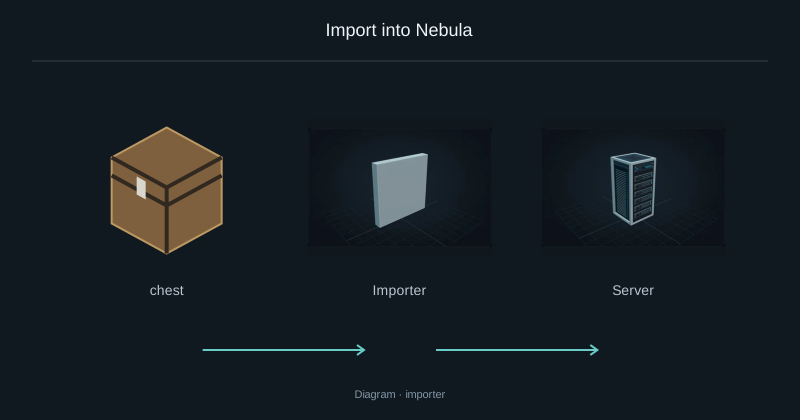
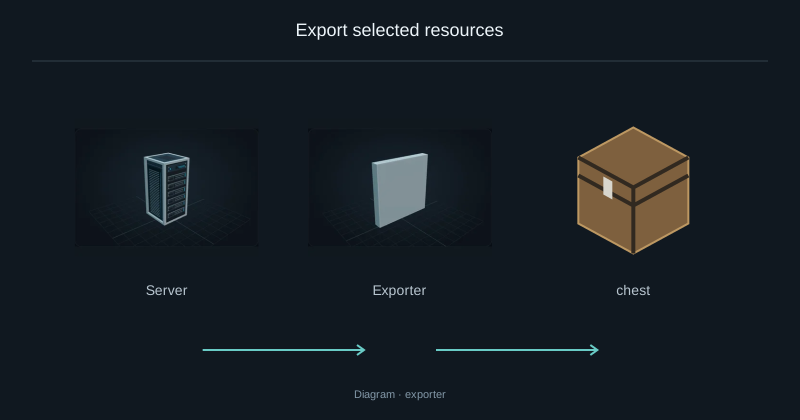
This port lets the Terminal read and withdraw the exposed contents. Depositing through the Terminal does not refill that chest. Use an Exporter when you want to send network resources into a container, or an Importer when you want to move them onto Nebula drives.
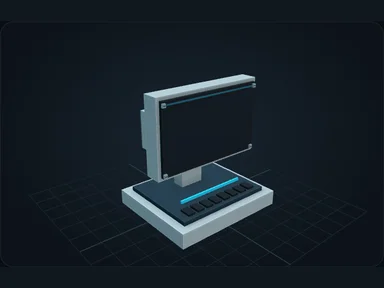
Connect a tank
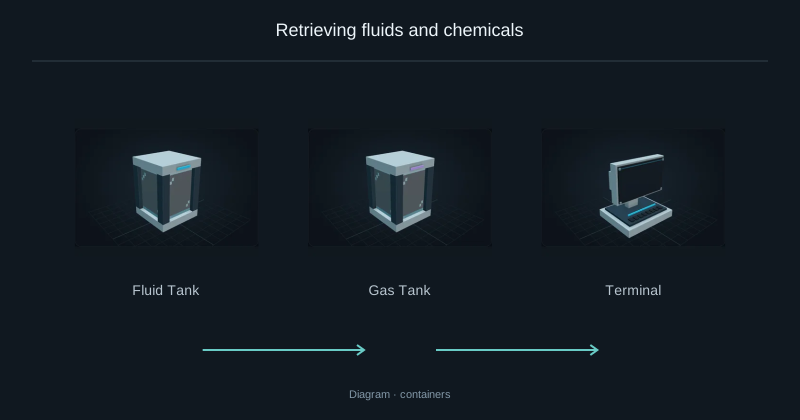
Supported tanks can expose fluids too. Recipe discovery requires a supported machine adapter, not just an inventory.
Source
src/main/resources/assets/nexus_storage/lang/en_us.json; editorial/en.json
43b4d12d69e6033c24fa8c39dac383ef2429b446