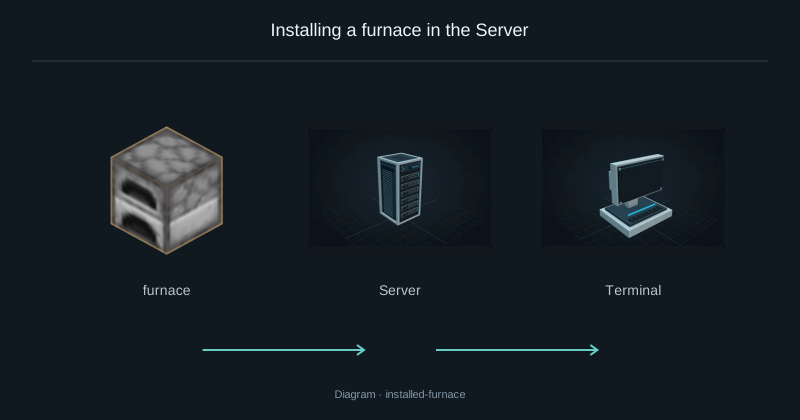
Place and connect the furnace
Attach the interface to a vanilla furnace. Nebula discovers real smelting recipes from the game.
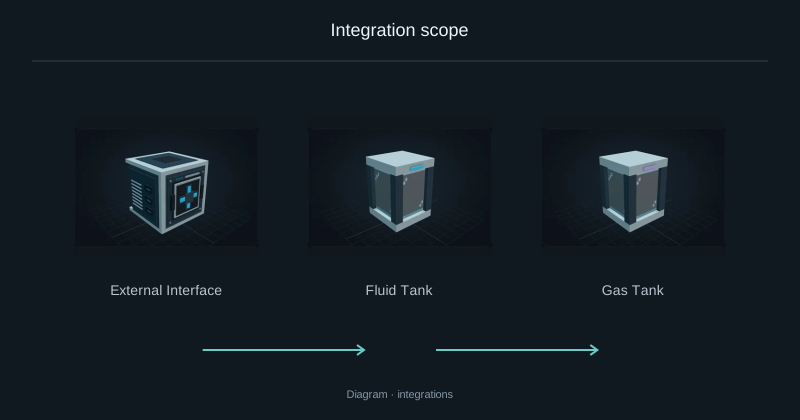
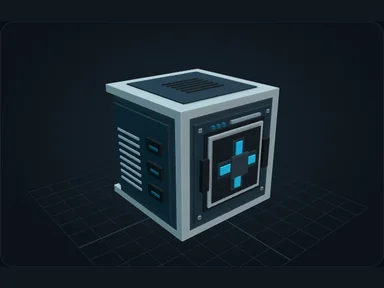
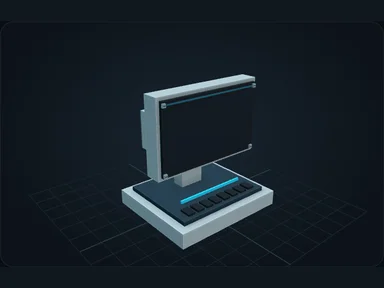
Point the plus-marked face of the External Interface at the furnace. Attach Nebula cable to the socket on the opposite face, then find the furnace in the Terminal’s Machines page. An External Storage would expose contents, but would not add furnace recipes.
Supply fuel
Physical furnaces burn fuel. Nebula supplies unreserved charcoal or coal from storage; other fuels can be inserted directly.
Collect the result
The actual furnace processes the input over time. Nebula waits, then collects the completed output.
For a test, store raw iron and available coal, then request iron ingots. You can open the furnace to watch it smelt and follow the same job in the Terminal. To keep the furnace inside a Server instead, continue with the installed-furnace guide.
Source
src/main/resources/assets/nexus_storage/lang/en_us.json; editorial/en.json
43b4d12d69e6033c24fa8c39dac383ef2429b446