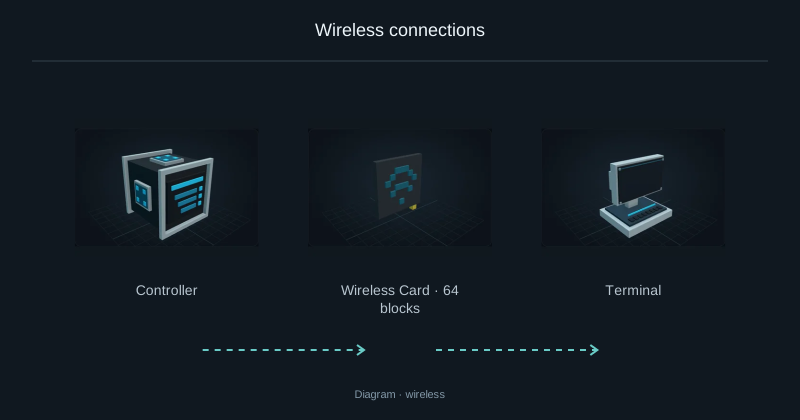
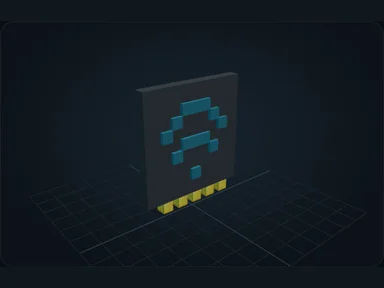
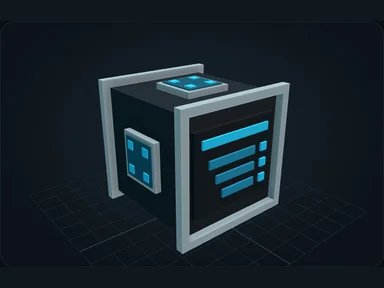
Pair the card with the Controller
Right-click the Controller with a wireless card to pair it with this network's identity.
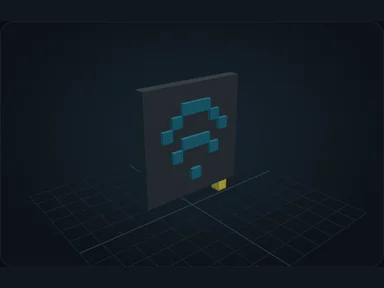
Replace the cable at the socket
Remove the cable branch to this Terminal. Keep the Controller powered and the Server connected.
Right-click the machine's socket with the paired card. The port changes appearance and replaces its cable connection.
The paired socket now carries network data, resources and internal Nebula energy wirelessly. No cable is needed at this Terminal.
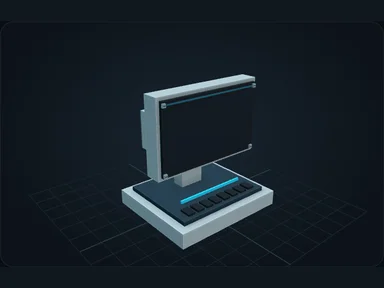
Check range and loaded chunks
Ranges progress through 64, 128 and 256 blocks, then unlimited within one dimension, then across dimensions. The weaker endpoint limits range.
Wireless does not load chunks. Both endpoints must remain loaded. Sneak-right-click an installed socket with an empty hand to recover the card.
Recipes
Default bundled recipes. Datapacks and server configuration may change them.
Source
src/main/resources/assets/nexus_storage/lang/en_us.json; editorial/en.json
43b4d12d69e6033c24fa8c39dac383ef2429b446