Use and connections
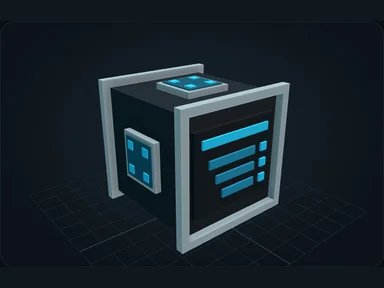
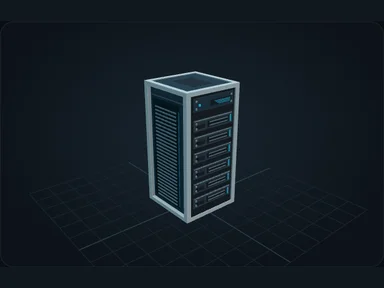
Connect the Terminal's rear socket. Open it to deposit resources and access the whole network.
Place carried items into the storage grid, or shift-click inventory stacks to deposit them.
Use the search field and scroll through compact slots. Hover an item for its details.
Select a product, enter the quantity and examine the plan before starting production.
Nebula plans intermediate steps and reserves inputs. Larger quantities increase amounts, not duplicate logical steps.
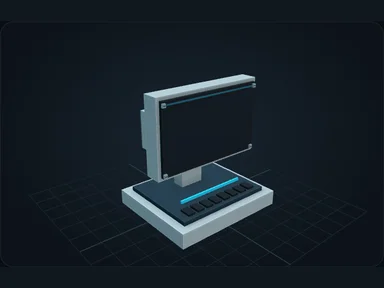
The Terminal’s decorative screen stays dark when it has no powered network.
Display preferences
Settings lets you choose a Nebula interface size of 75%, 100%, 125% or 150%. It applies to Nebula screens only and is limited by the space available on your display. Minecraft’s GUI scale stays unchanged. Player inventory slots are larger and remain centred.
Recipes
Default bundled recipes. Datapacks and server configuration may change them.
Source
src/main/resources/assets/nexus_storage/lang/en_us.json; editorial/en.json
43b4d12d69e6033c24fa8c39dac383ef2429b446