Choose the number of component slots
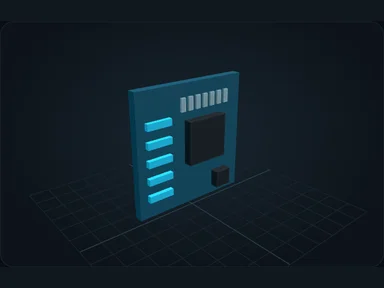
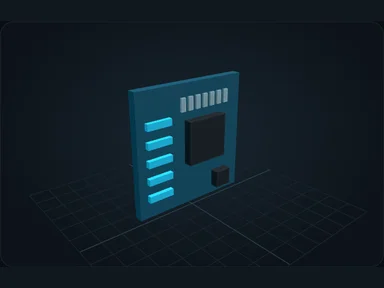
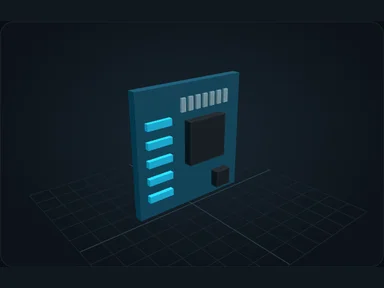
The motherboard determines how many CPUs, RAM sticks, drives and Links fit in a Server and which generations they accept. Choose it for the upgrade you need: storage slots for a large warehouse, or CPU/RAM slots for several crafting jobs.
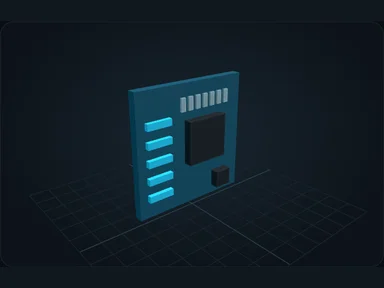
NX Compact is enough for the first network. Install it before other hardware; an empty Server cannot accept those components without a motherboard. A more advanced component will still be refused if its generation exceeds the board’s limit.
Insert the component
Install the motherboard before any other component. Hover a slot to highlight compatible items.
Shift-click to install into a compatible slot, or place the component directly with the cursor.
Change or remove it safely
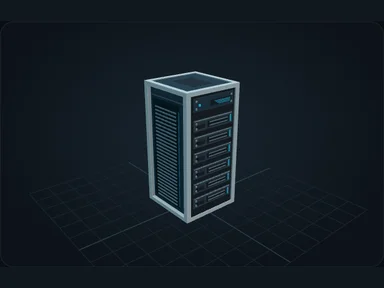
Some components cannot be removed while their resources are in use. Read the refusal before changing hardware.
Source
src/main/resources/assets/nexus_storage/lang/en_us.json; editorial/en.json
43b4d12d69e6033c24fa8c39dac383ef2429b446