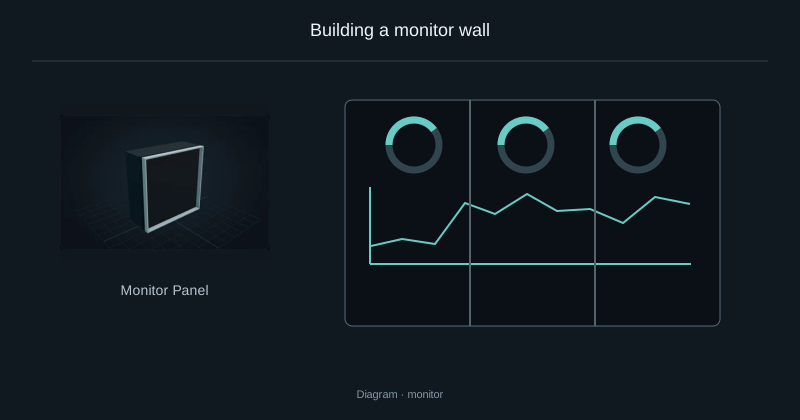
Build the display rectangle
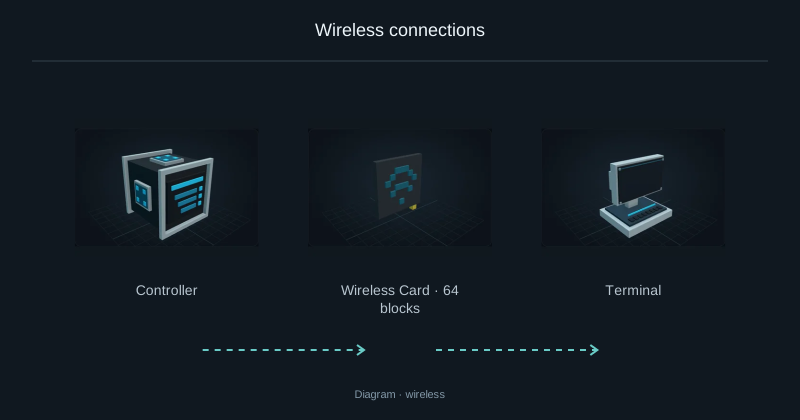
Place panels next to each other, facing the same way, to form a complete rectangle up to 6 × 6. Connect the wall’s single rear socket to your working Nebula network by cable or a paired WiFi card.
Write and format the document
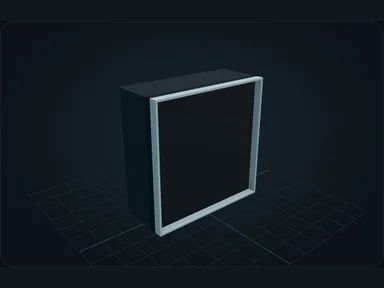
Right-click the panel to open the editor. Write directly in the document and select letters or words with the mouse to apply colour, bold or italic. The preview on the right shows the display result; E types normally, while Escape closes the editor.
Insert a value or an item counter
Type %network%, %time%, %minecraft_time%, %energy% or %jobs%. These tokens remain visible in the editor and resolve to their current values in the preview. Drag an item from your inventory, the network list or JEI to insert its image; its context menu can link a quantity counter to the network. This does not consume the item.
Apply the changes
Apply the document, then look at the panel in the world. Existing documents are retained when panels are split, merged or removed; joining walls does not silently replace their text.
Source
SPEC.md; editorial/en.json
43b4d12d69e6033c24fa8c39dac383ef2429b446