Add a widget
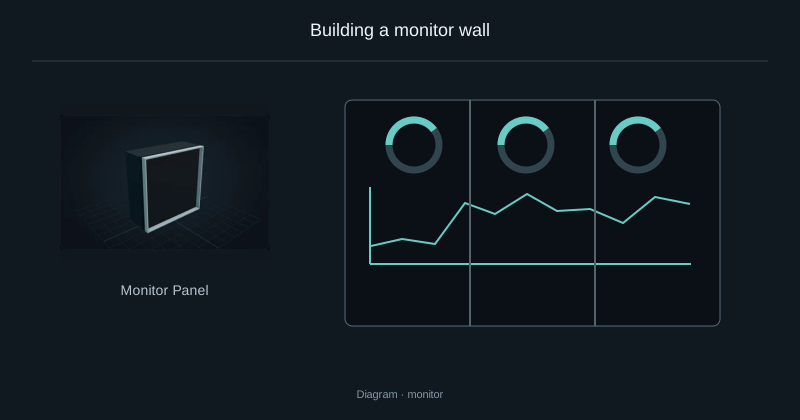
Right-click the display to open its editor. Scroll the widget library and drag a widget onto an empty area of the layout. You can also select a widget, then click its destination.
Move and resize
Drag the center to move a widget. Drag an edge or corner to resize its width and height.
Right-click a widget to remove it. Widgets cannot overlap or extend outside the display.
Apply the changes
Apply the layout when ready. The server checks it and shares it with other players.
Source
src/main/resources/assets/nexus_storage/lang/en_us.json; editorial/en.json
43b4d12d69e6033c24fa8c39dac383ef2429b446