Place the Controller
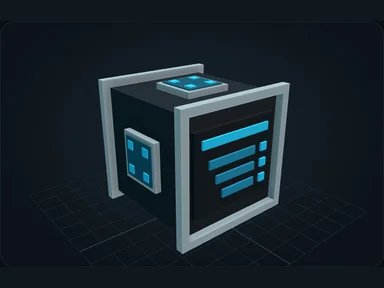
Place one Nebula Controller. It identifies the network, stores its name and receives the external FE supply. Extra Servers increase capacity; they do not require another Controller.
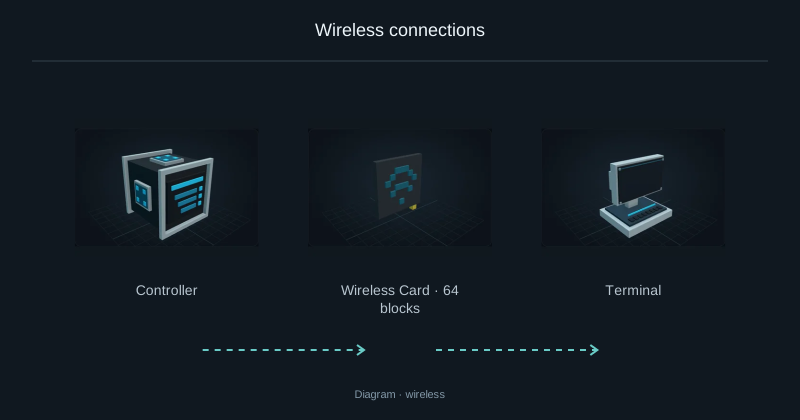
Right-click the Controller to give the network a name you will recognise when pairing wireless cards later.
Connect the power supply
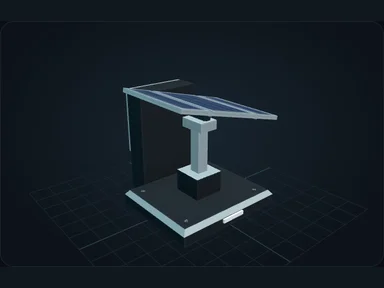
A generator supplies FE to the Controller’s dedicated electrical socket. Connect it with an FE cable, or place a compatible source directly against that input. This is the only external energy entry for the Nebula network.
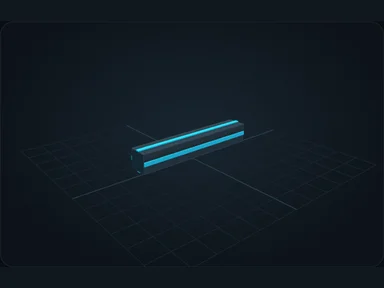
From the Controller onward, the Nebula cable carries the network and its internal energy together. Connect the Server, Terminal and Nebula production machines at their shared square Nebula socket. These connected devices do not need a second electrical cable.
In a creative test world, place an enabled Nebula Creative FE Source against that input. In survival, use an available generator, such as a Nebula Solar Array. Leave its panels room to deploy and face the sun.
- External sourceFE cable
- ControllerDedicated FE input
- Nebula cableData + resources + energy
- Nebula devicesOne shared socket
Connect a Server
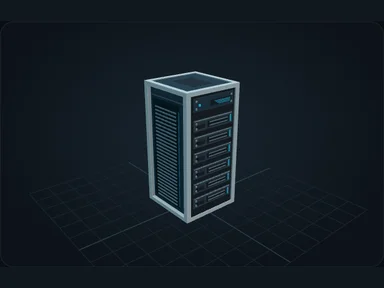
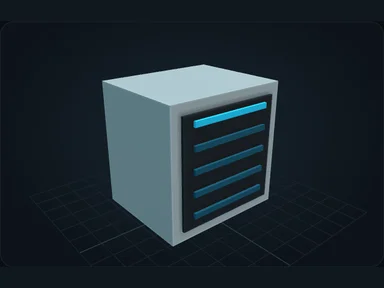
Place a Nebula Server with two free blocks of height. Run Nebula cable between a network socket on the Controller and the Server’s marked square socket. This connection also supplies its internal energy.
The Server houses the components that provide storage and processing. An empty Server is not enough to use the network: open it to install its hardware.
Install the motherboard first
Install a motherboard before any other component. For this small setup, use an NX Compact board. It determines which slots are available and which hardware generations they accept.
Shift-click the board in your inventory, or pick it up and click its matching slot. Hover over an empty slot to highlight compatible items in your inventory.
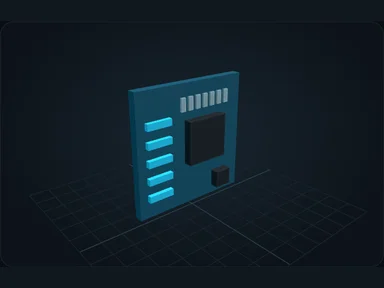
Fill the hardware slots
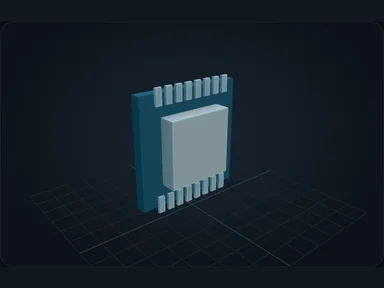
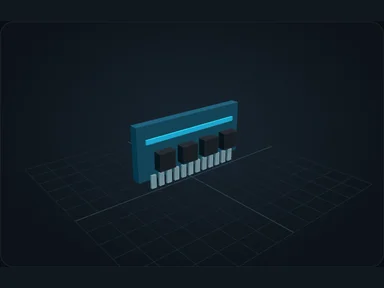
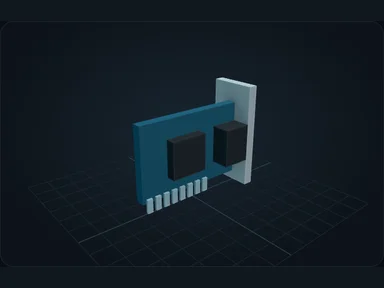
Add one NX-8K CPU, one 64K memory module, one Flash 4K drive, one Link 16 network card and one PSU-8. These first-generation components fit the NX Compact board.
The CPU processes crafting work, RAM holds working data, and the drive stores resources. The Link provides network throughput. The PSU supplies the Server’s hardware from the network reserve; it does not generate FE. Upgrade it when adding hardware exceeds its capacity.
Open the Terminal
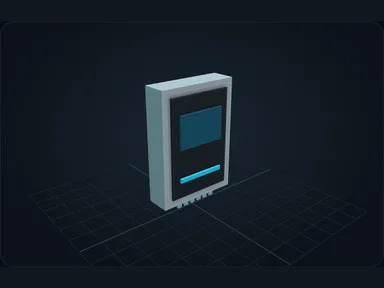
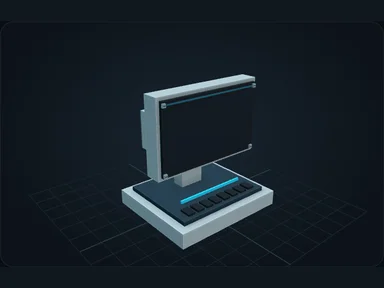
Branch the existing Nebula cable route to the socket on the back of a Terminal. Right-click the Terminal: it gives access to storage, crafting and network information.
Check that the header reports an online network. If it does not, inspect the Controller’s FE input, the Server’s components and each socket connection before adding more machines.
Store a few items
In Storage, shift-click a few oak logs from your inventory. They should appear in the storage grid with their quantity. Nothing is consumed by this deposit: the items are now held by the network’s drive.
Search for the logs, take a stack, then place it back into any storage slot. This verifies both deposit and withdrawal before you try crafting.
Make your first request
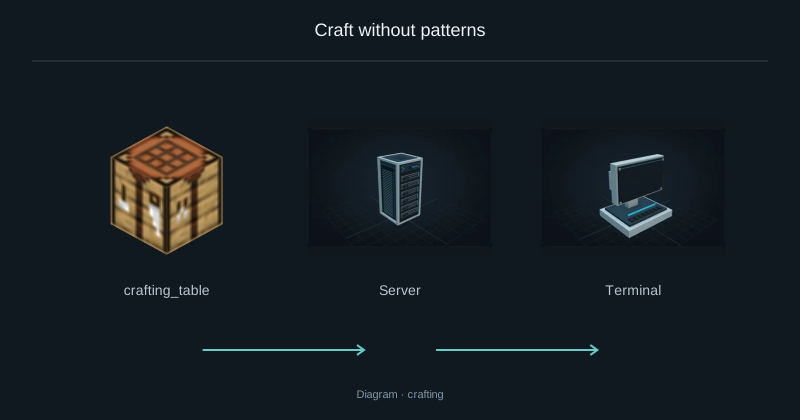
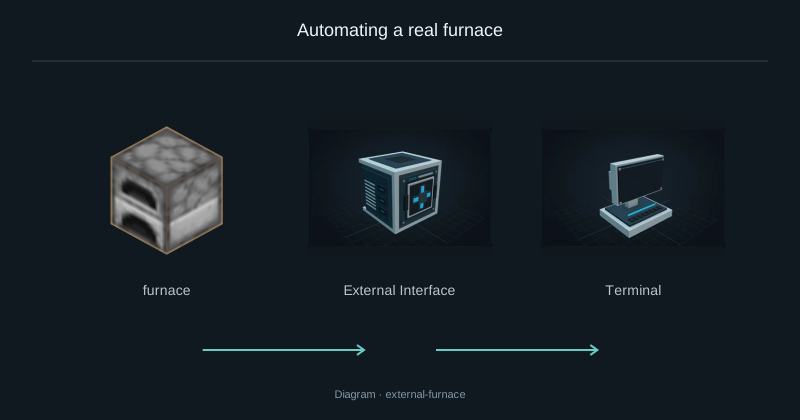
A new network has no built-in crafting table. Install a real table in the Server, or place one against the marked face of an External Interface. Removing the last table removes that crafting capability.
Return to Crafting in the Terminal, find oak planks, choose 4 and inspect the plan. With the standard recipe it should consume one oak log. Start the job, then retrieve the planks from Storage. The crafting guide explains larger requests, intermediates and blocked jobs.
Source
src/main/resources/assets/nexus_storage/lang/en_us.json; editorial/en.json
43b4d12d69e6033c24fa8c39dac383ef2429b446