Use and connections
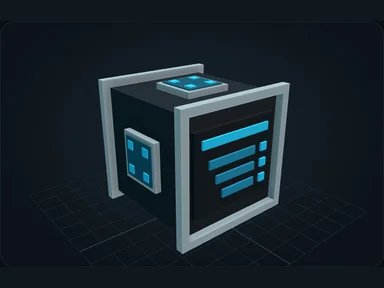
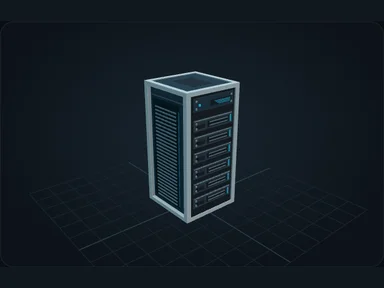
Connect a Server. Install its motherboard first, then CPU, RAM, drive, network card and PSU.
Install the motherboard before any other component. Hover a slot to highlight compatible items.
Shift-click to install into a compatible slot, or place the component directly with the cursor.
Some components cannot be removed while their resources are in use. Read the refusal before changing hardware.
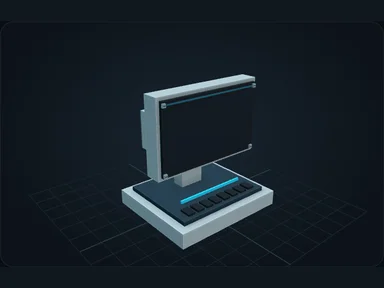
Keep one Controller for the whole cluster. Adding Servers expands the same network instead of creating new identities.
Installed machines
Use the Server’s Machines page to install compatible blocks. Their recipes become available automatically; crafting jobs use the network’s resources.
Recipes
Default bundled recipes. Datapacks and server configuration may change them.
Source
src/main/resources/assets/nexus_storage/lang/en_us.json; editorial/en.json
43b4d12d69e6033c24fa8c39dac383ef2429b446