
NEBULA / WIKI
Wiki
Blocks, components, recipes and guides.
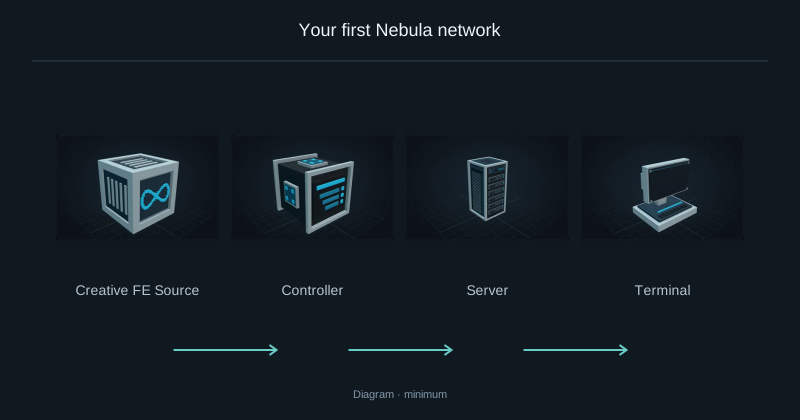
Your first Nebula network
Build a wired network, store oak logs, then request your first planks.
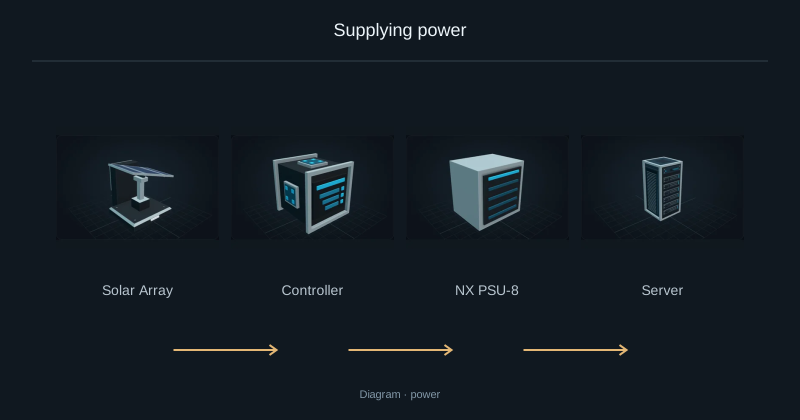
Supplying power
Supply external FE and check Server power limits.
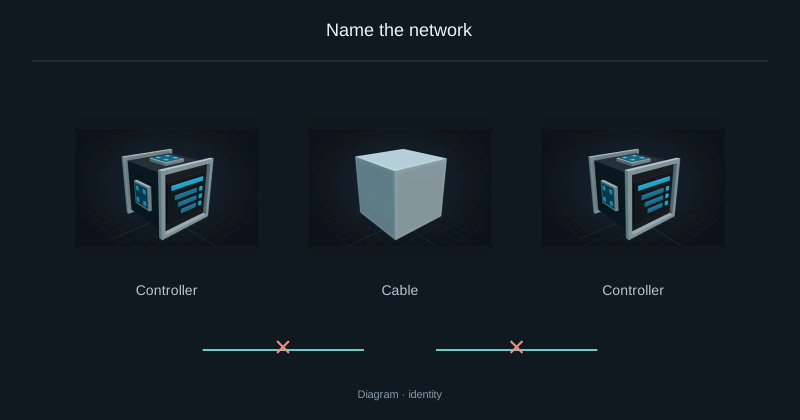
Name the network
Rename a network or join two installations without keeping two Controllers.
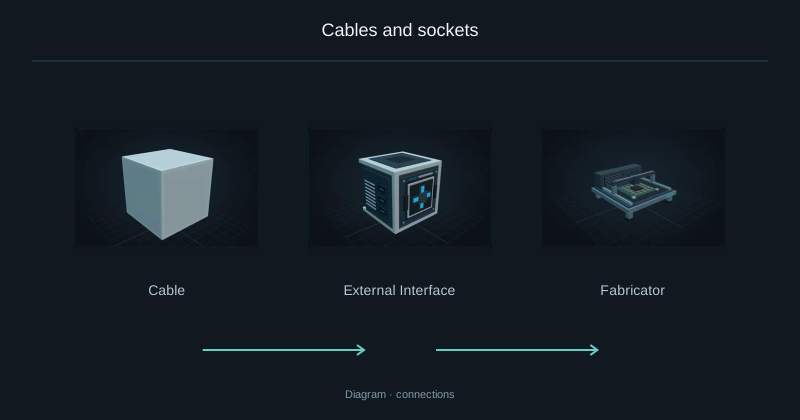
Cables and sockets
Find the network socket and connect a cable route to it.
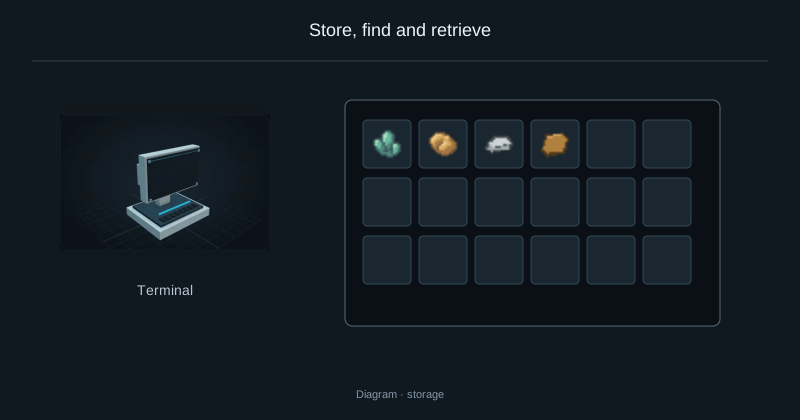
Store, find and retrieve
Deposit, search and withdraw resources through the Terminal.
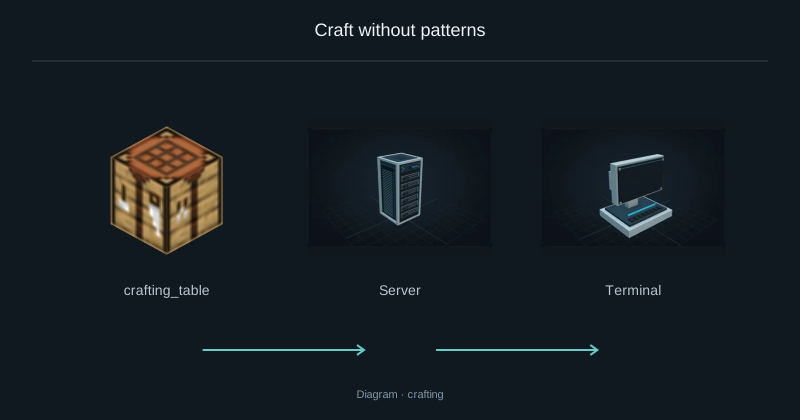
Craft without patterns
Request sticks from stored logs and inspect the intermediate crafting steps.
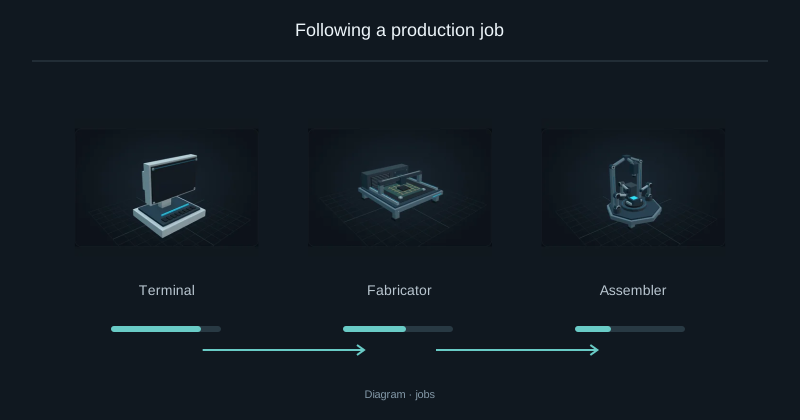
Following a production job
Check progress, understand a waiting job and decide whether to cancel.
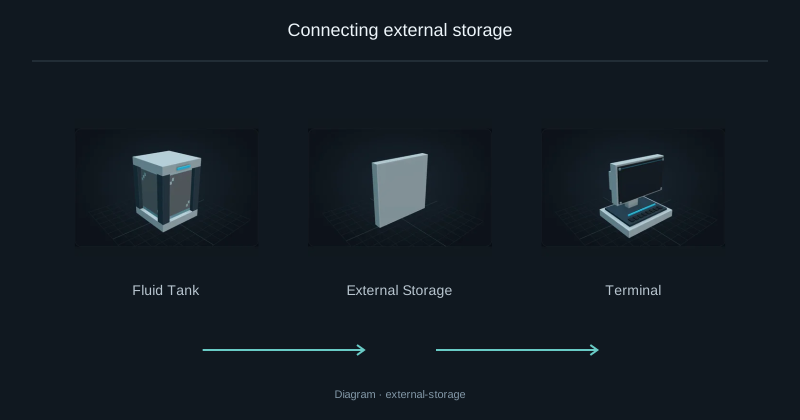
Connecting external storage
Access a chest or tank from Nebula while keeping its contents in place.
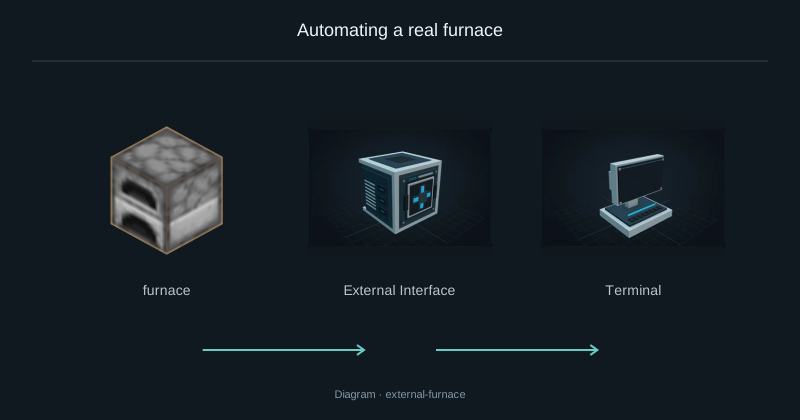
Automating a real furnace
Connect a placed furnace and request iron ingots from the Terminal.
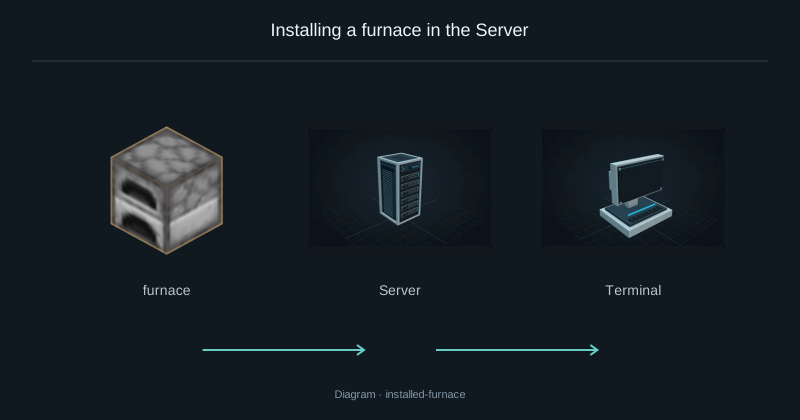
Installing a furnace in the Server
Install a furnace inside a Server and run it using network FE.
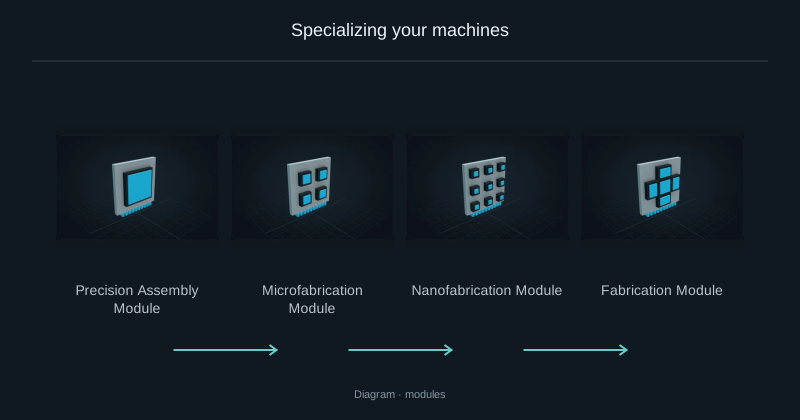
Specializing your machines
Match each production machine to its local recipe module.
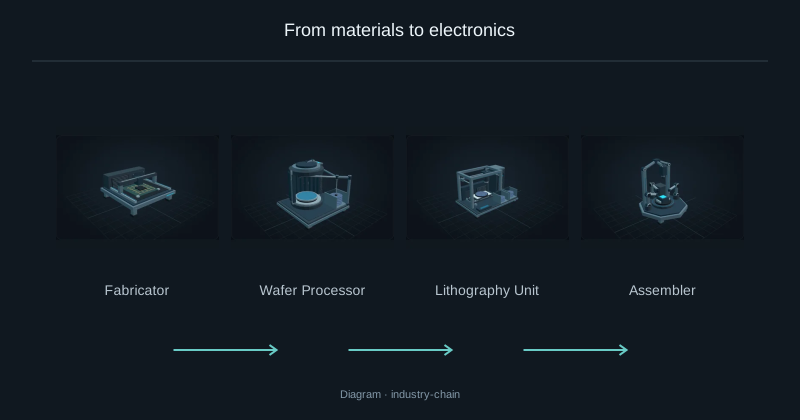
From materials to electronics
Connect the four Nebula machines used to make electronic components.
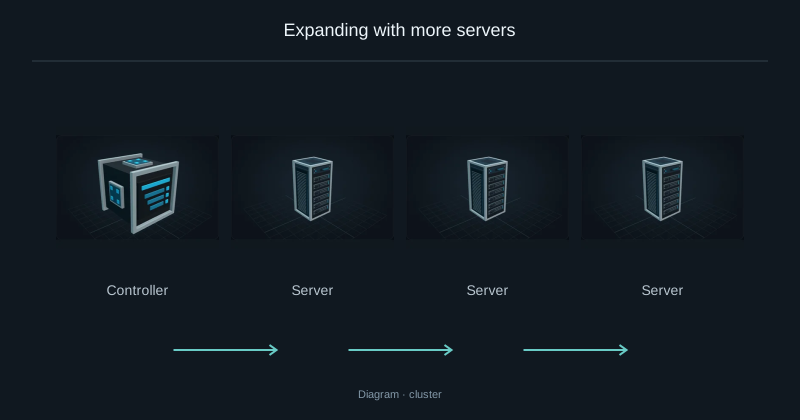
Expanding with more servers
Add capacity to an existing network with another equipped Server.
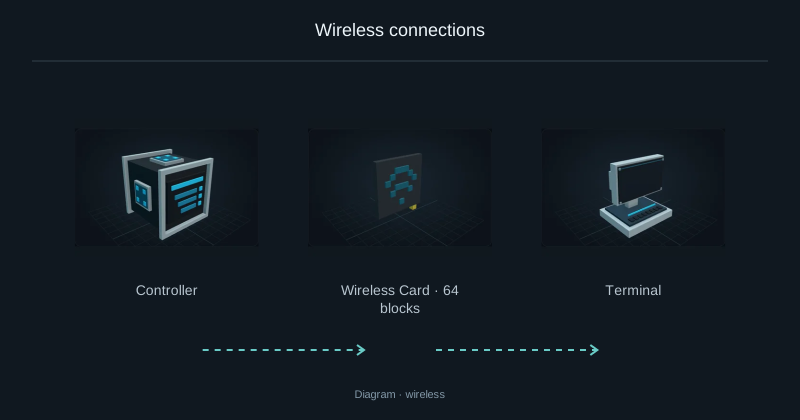
Wireless connections
Replace a Terminal cable with a paired WiFi card without disconnecting the core network.
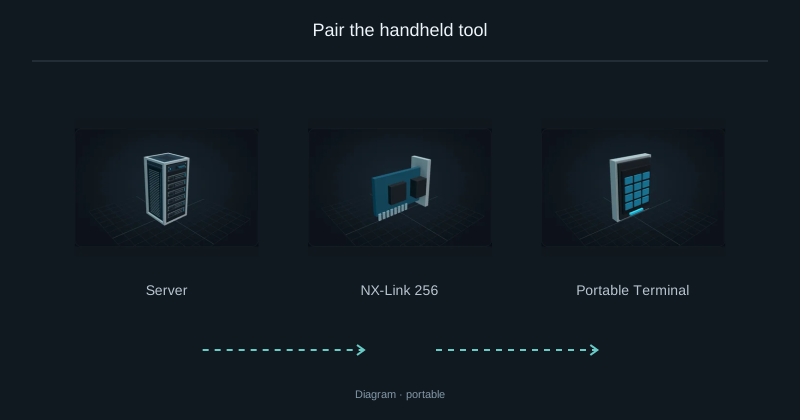
Pair the handheld tool
Bind a portable Terminal and check where it can reach the network.
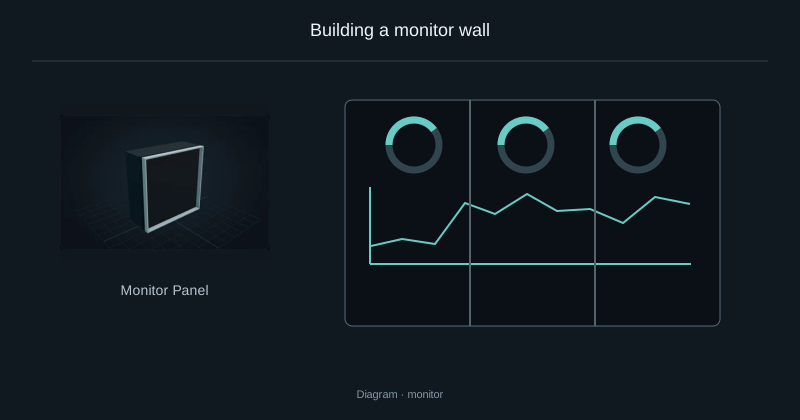
Building a monitor wall
Build one connected display from several Monitor Panels.
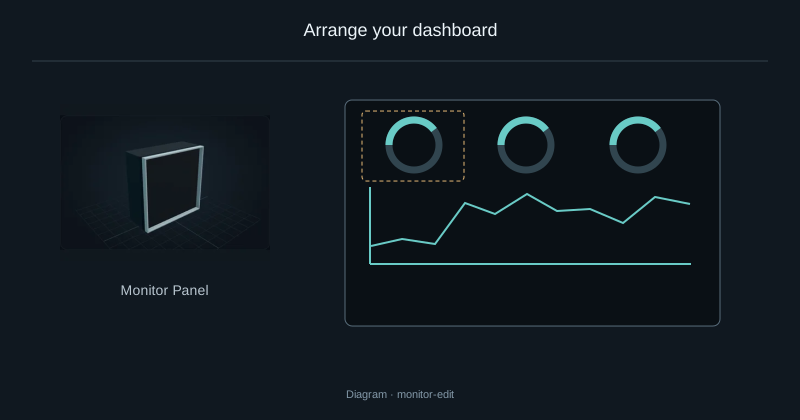
Arrange your dashboard
Place, move and resize the widgets on your monitoring display.
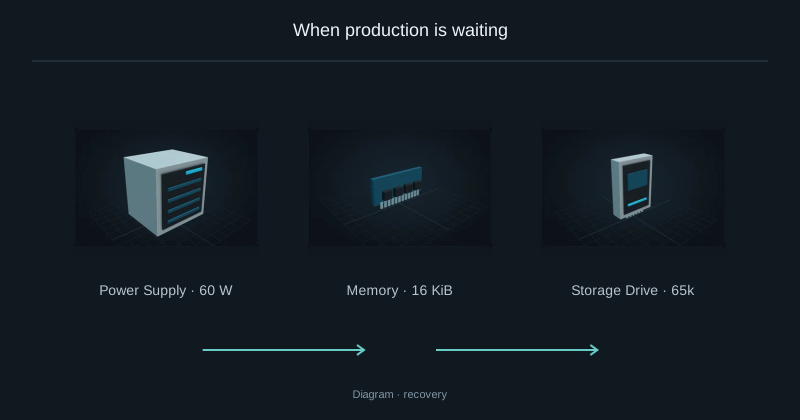
When production is waiting
Diagnose missing power or output space before cancelling a job.
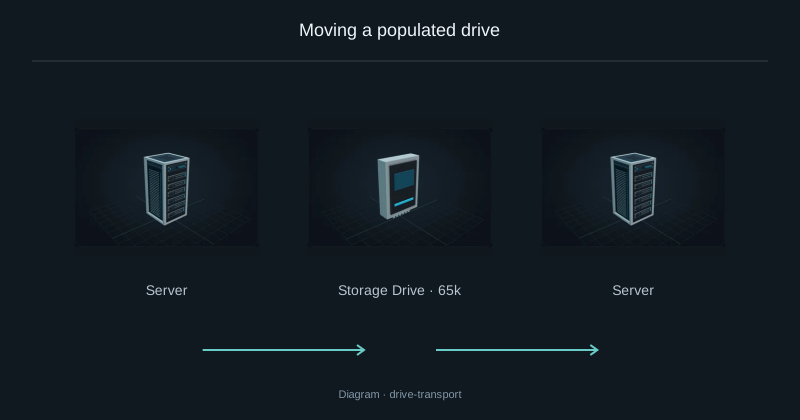
Moving a populated drive
Move a populated drive into another compatible Server.
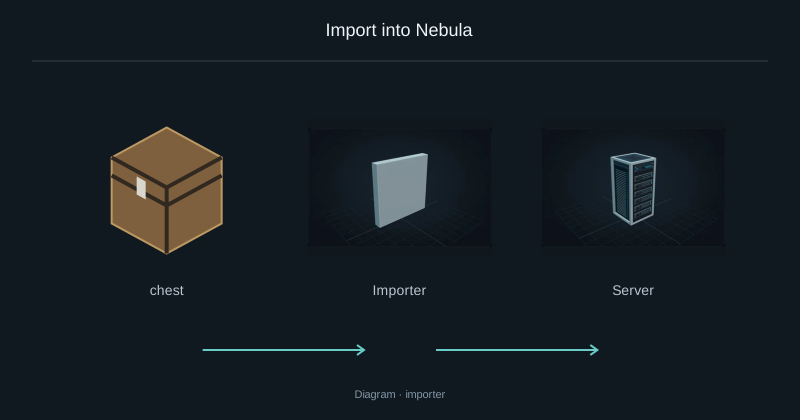
Import into Nebula
Move resources from a container into Nebula storage.
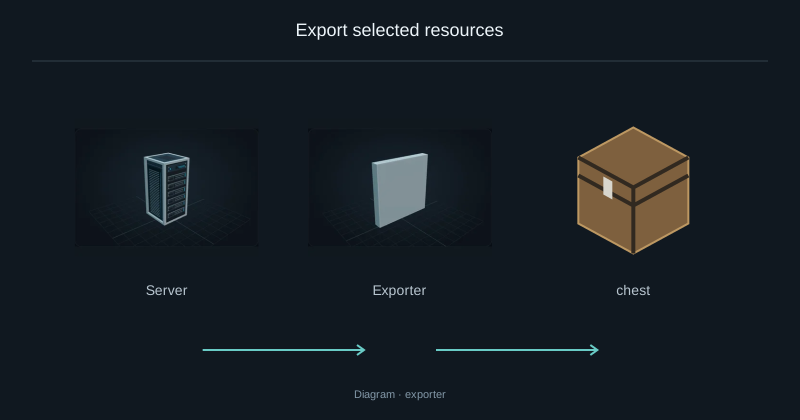
Export selected resources
Send selected resources from Nebula into a destination container.
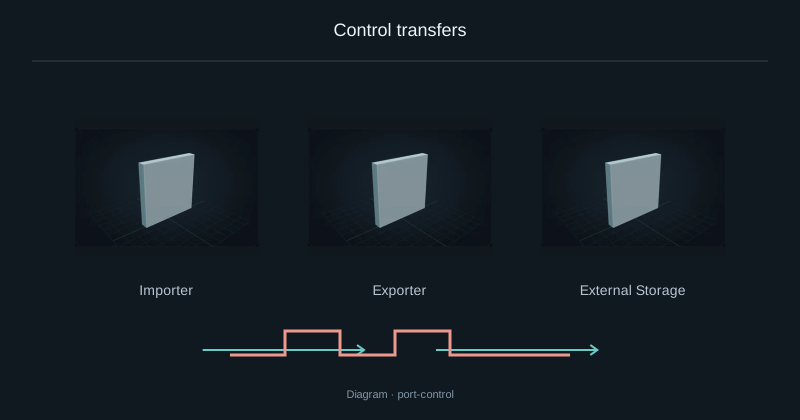
Control transfers
Control an Importer, Exporter or External Storage with redstone.
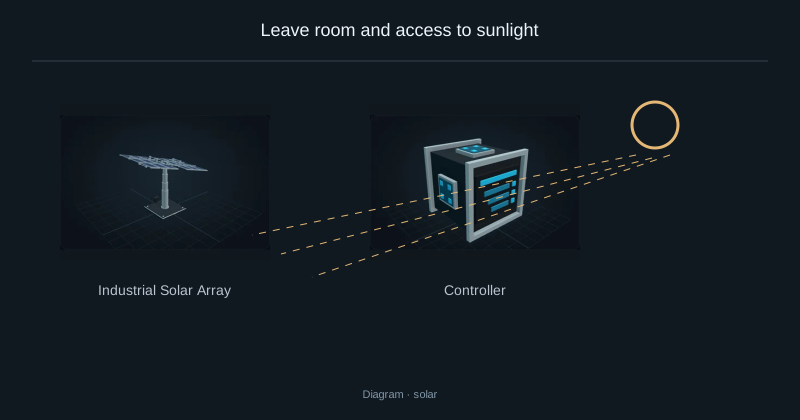
Leave room and access to sunlight
Place a solar array, connect its FE output and check its exposure.
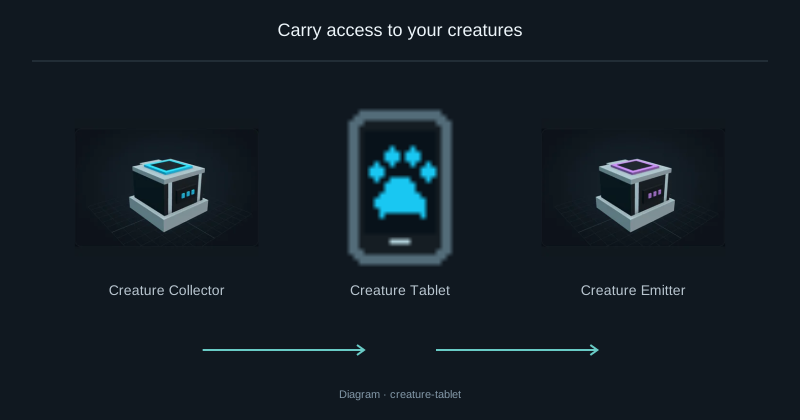
Carry access to your creatures
Capture and release stored creatures using the paired tablet.
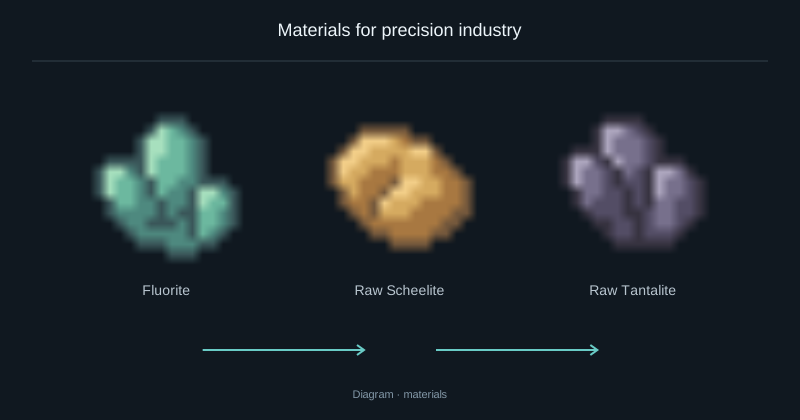
Materials for precision industry
Find fluorite, scheelite and tantalite, then use them in the electronics recipes.
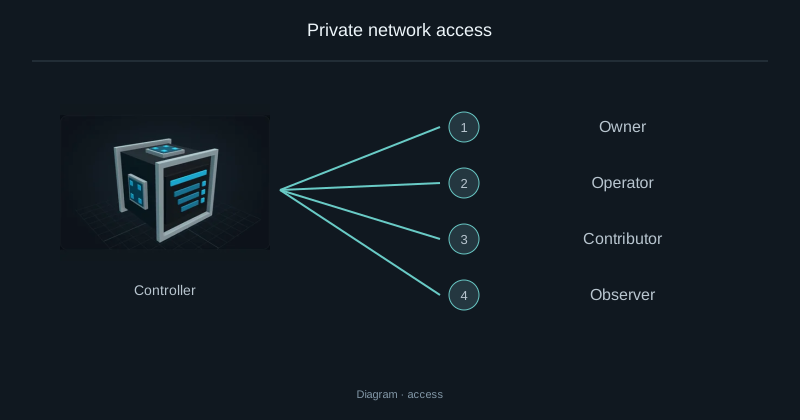
Private network access
Grant access to another player without sharing owner permissions.
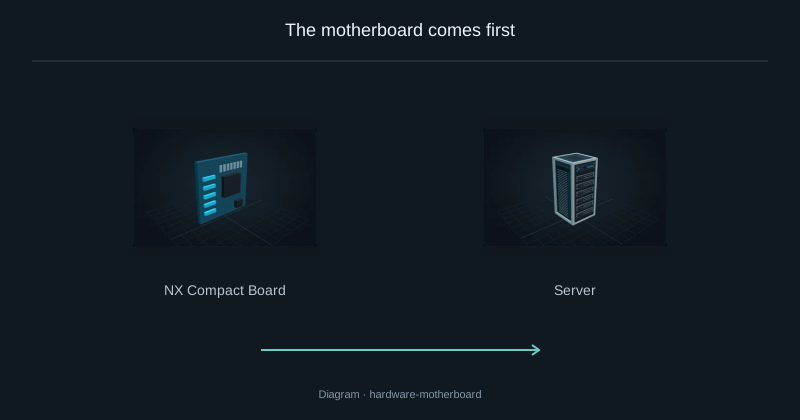
The motherboard comes first
The motherboard determines how many CPUs, RAM sticks, drives and Links fit in a Server and which generations they accept.
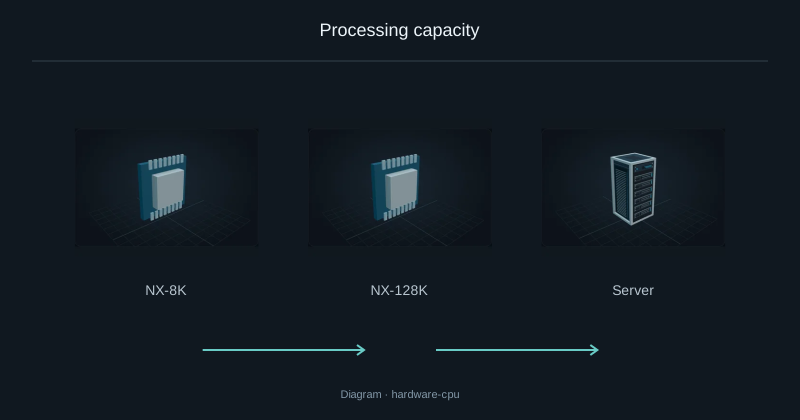
Processing capacity
A CPU supplies coordination work to start recipe operations.
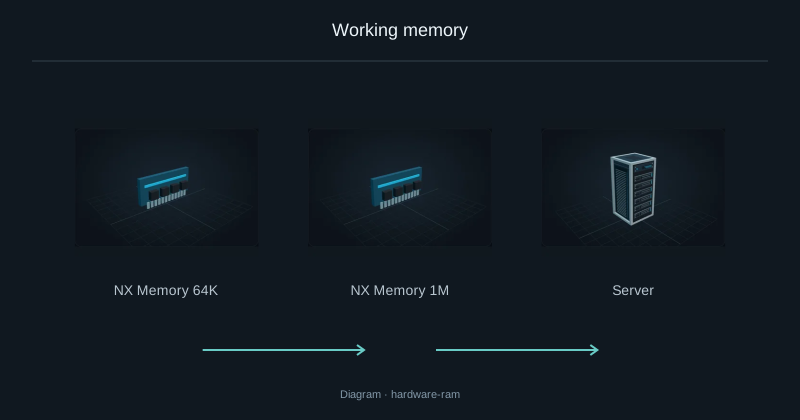
Working memory
RAM holds active crafting plans and reservations; it does not store items or fluids.
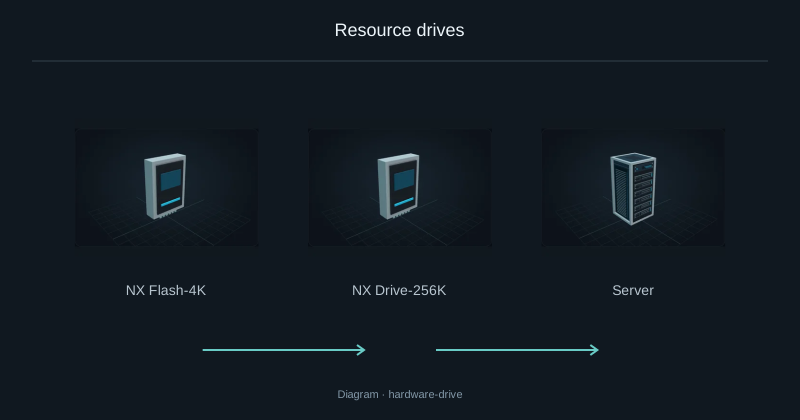
Resource drives
Drives hold the items, fluids and chemicals deposited into Nebula.
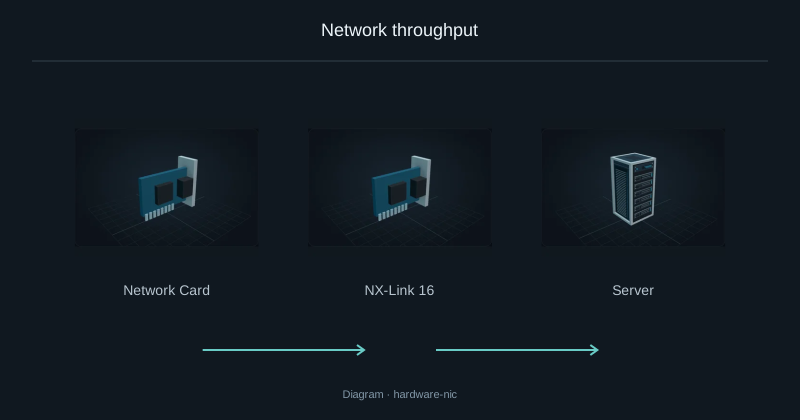
Network throughput
The Link sets the Server’s transfer budget.
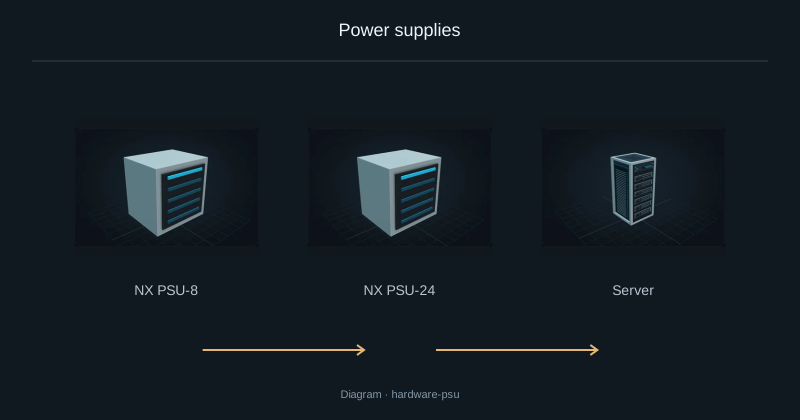
Power supplies
The PSU limits the electrical power available to a Server, including its idle hardware and CPU work.
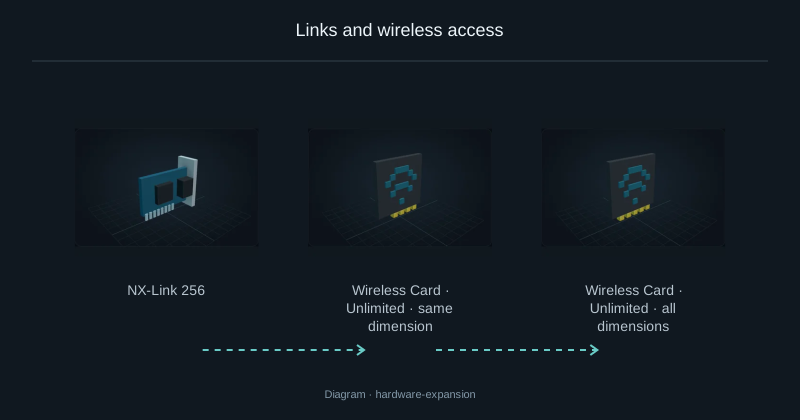
Links and wireless access
A wireless-capable Link in the Server acts as the network access point.
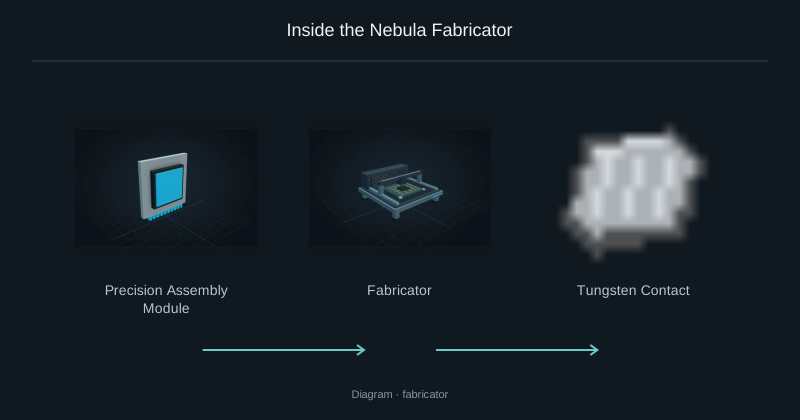
Inside the Nebula Fabricator
The Fabricator prepares structural and conductive parts for Nebula electronics.
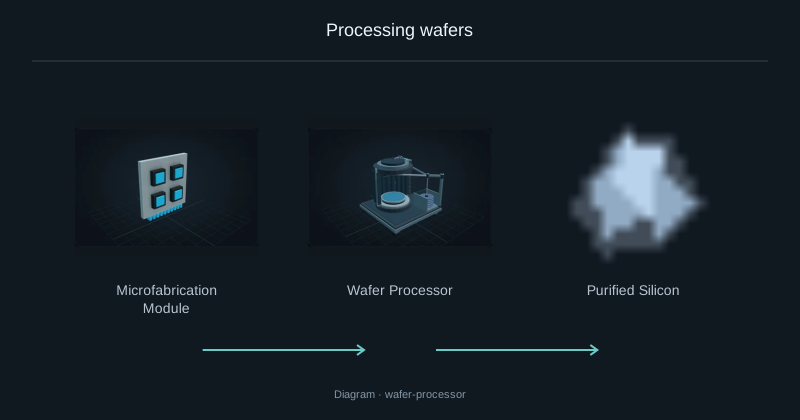
Processing wafers
The Wafer Processor prepares and processes semiconductor wafers.
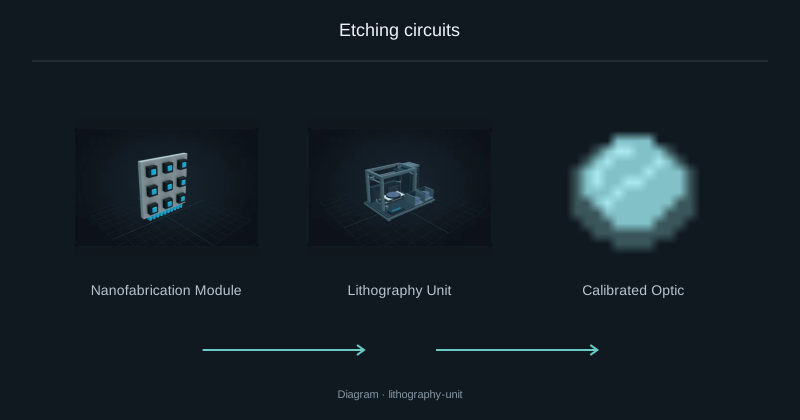
Etching circuits
The Lithography Unit forms fine circuit structures. Leave room for its full chassis.
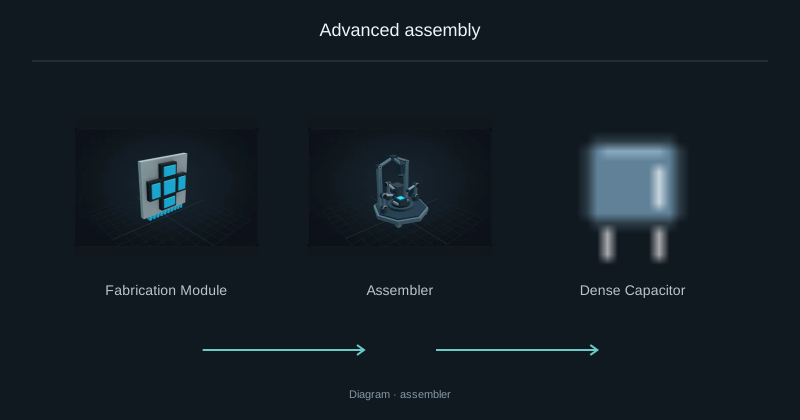
Advanced assembly
The Assembler combines advanced parts into higher-level electronics.
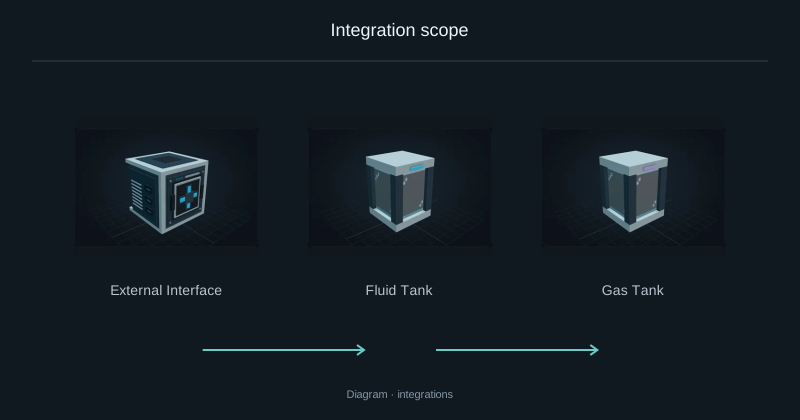
Integration scope
Supported machines and processes, with the exclusions for this release.
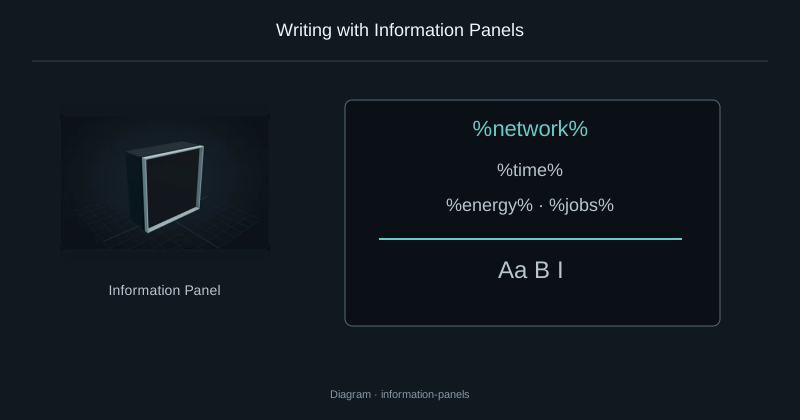
Writing with Information Panels
Write formatted text, display network values and add item counters to a panel wall.
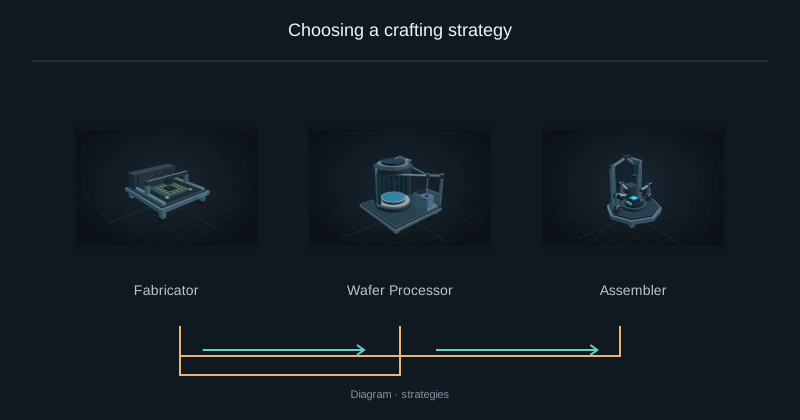
Choosing a crafting strategy
Compare material use and processing work before starting the same crafting request.
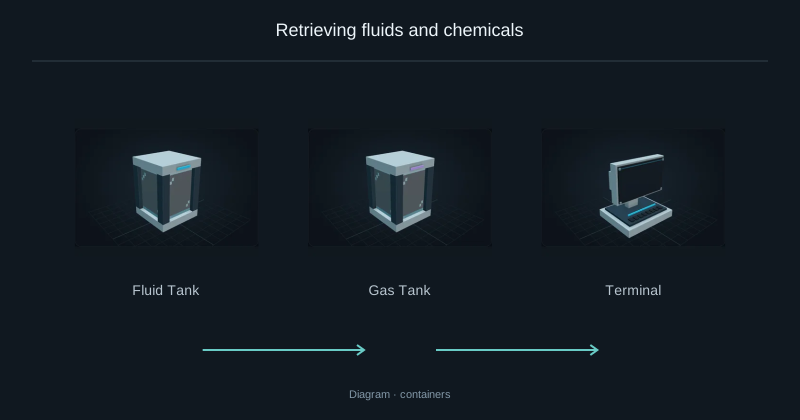
Retrieving fluids and chemicals
Take fluids and chemicals out of storage in buckets or compatible tanks.